The most useful thing to prepare before installing a Skyrim mod might be a save you never touch with it. A new quest or a different world can be a good reason to return, but you should still know where the unchanged adventure is waiting.
For The Elder Scrolls V: Skyrim Special Edition, Bethesda’s support guidance separates installing or disabling Creations from returning to an earlier unmodded save. That distinction matters for both troubleshooting and achievements. Make the decision before the experiment, while the earlier state is easy to identify.
Preserve the clean point before changing the game
Bethesda recommends keeping unmodded saves available so you can return to them if modified gameplay causes problems. Its installation guide also points to Select Character in the Load menu when going back to the original save.
Before downloading anything, identify the unmodded save you intend to keep. Read the character and time information shown by the game, and make sure you can distinguish it from the later experiment. The useful backup is the one you can actually find.
Our practical recommendation is to keep the experiment deliberate. Decide which character or playthrough is going to use the Creation, and preserve the earlier save instead of relying only on whatever recent state the game happens to offer next. That gives a return to the original adventure a clear starting point.
Use the Creations menu and read the item’s requirements
The official installation steps direct Special Edition players to Creations from the main menu, where a Bethesda.net sign-in may be required. Select the content you want and download it through the supported process.
Read the particular item’s description before doing so. Consider the platform, dependencies and instructions it actually names. A recommendation written for a different setup is not a substitute for knowing what you are about to install.
The available content is part of the appeal: the official game description includes new quests, environments, characters and equipment among the possibilities. Choose a change you are interested in exploring, rather than treating a larger download list as a goal in itself.
Achievements make the earlier save especially important
Bethesda’s achievement support page says an enabled mod prevents achievements or trophies, with the Creation Club exception explained below. To resume earning them, it directs players to disable or remove the mods and load a save from before those mods were installed.
That second part is the step to remember. Turning something off and continuing the same modified save is a different action from returning to the earlier unmodded state.
If achievements are a goal for this run, make that choice before adding content. You can keep the experiment separate and return to the clean save when you want the original progression path. It is much easier to understand the two routes when you have preserved the starting point intentionally.
Creation Club content has a stated exception
Bethesda’s separate FAQ says Creation Club items, including the Creation Club material bundled with Anniversary Edition, do not disable achievements or trophies. It distinguishes those tested items from other Creations or mods.
That is why the name of the particular content matters. Seeing the word Creation somewhere in a menu does not make every download identical for achievement purposes. Read the current item information and the game’s warning before confirming.
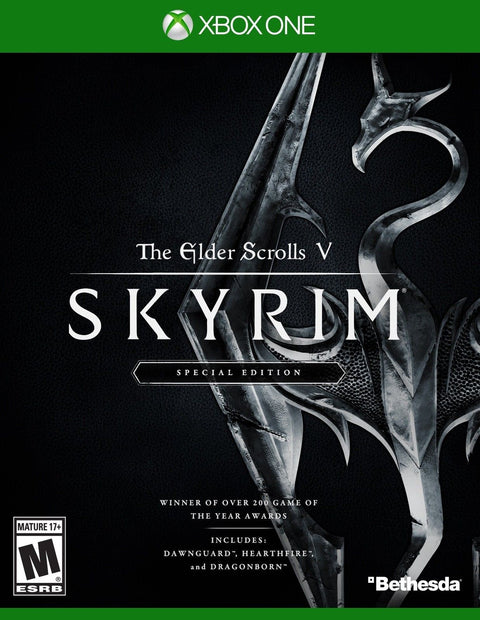
Keep the exact edition clear as well. The Special Edition listing and an Anniversary package can describe different included content. A used physical copy should be judged by its actual listed contents and any stated redemption requirements, not by assuming every optional download comes with it.
An update can change the troubleshooting question
Bethesda warns that a game update can leave Creations or mods needing updates of their own. Its support page lists possible symptoms including crashes, black screens and interface errors.
If a problem begins after adding a mod, the support guidance recommends uninstalling it and reloading to check the relationship. Issues with a specific Creation should also be reported to its author.
Use the preserved clean state to keep that investigation understandable. Change one thing deliberately and note what happens, instead of replacing several parts of the setup at once and losing track of which change mattered. Follow the item’s removal instructions and the platform’s supported menus, and keep the original saves you preserved.
Choose the copy for the platform you actually use
Zypher has verified Special Edition listings for Xbox One and PlayStation 4. Those are separate from the original PS3 and Xbox 360 releases, Legendary Edition and Skyrim VR.
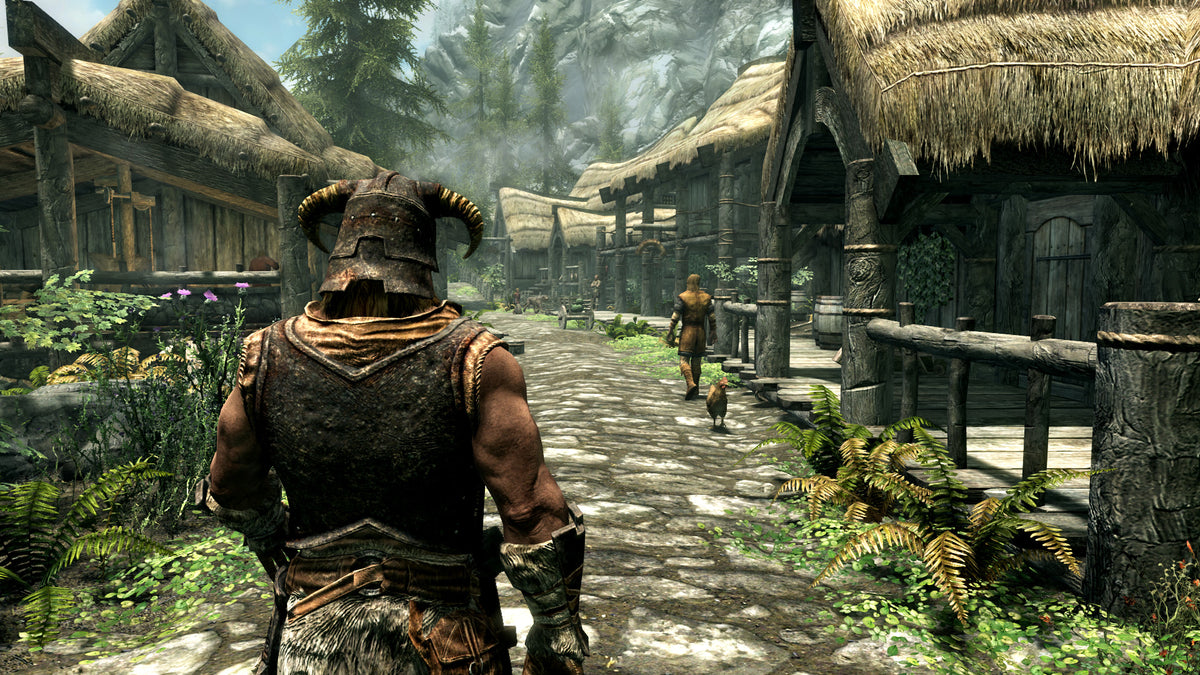
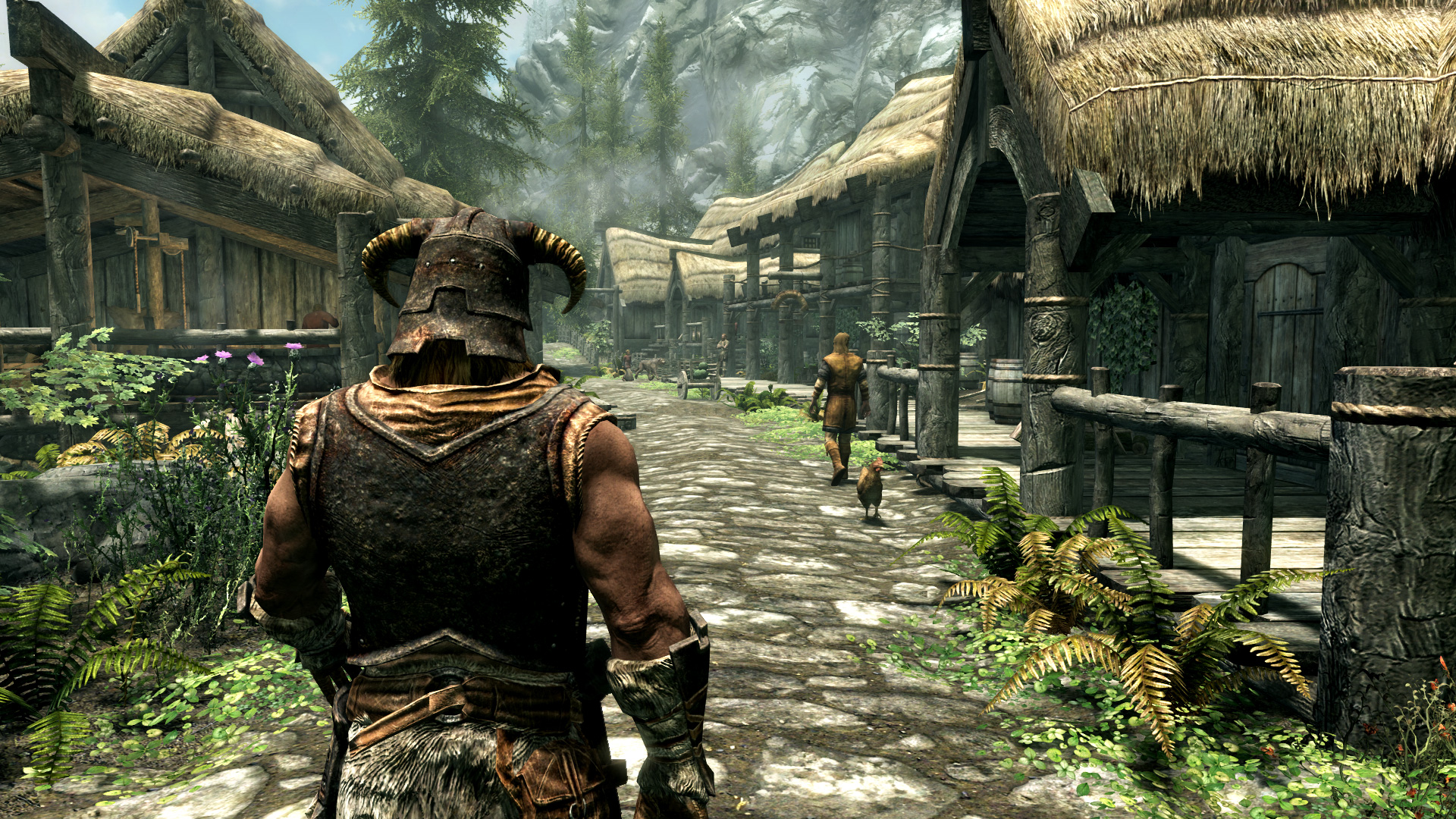
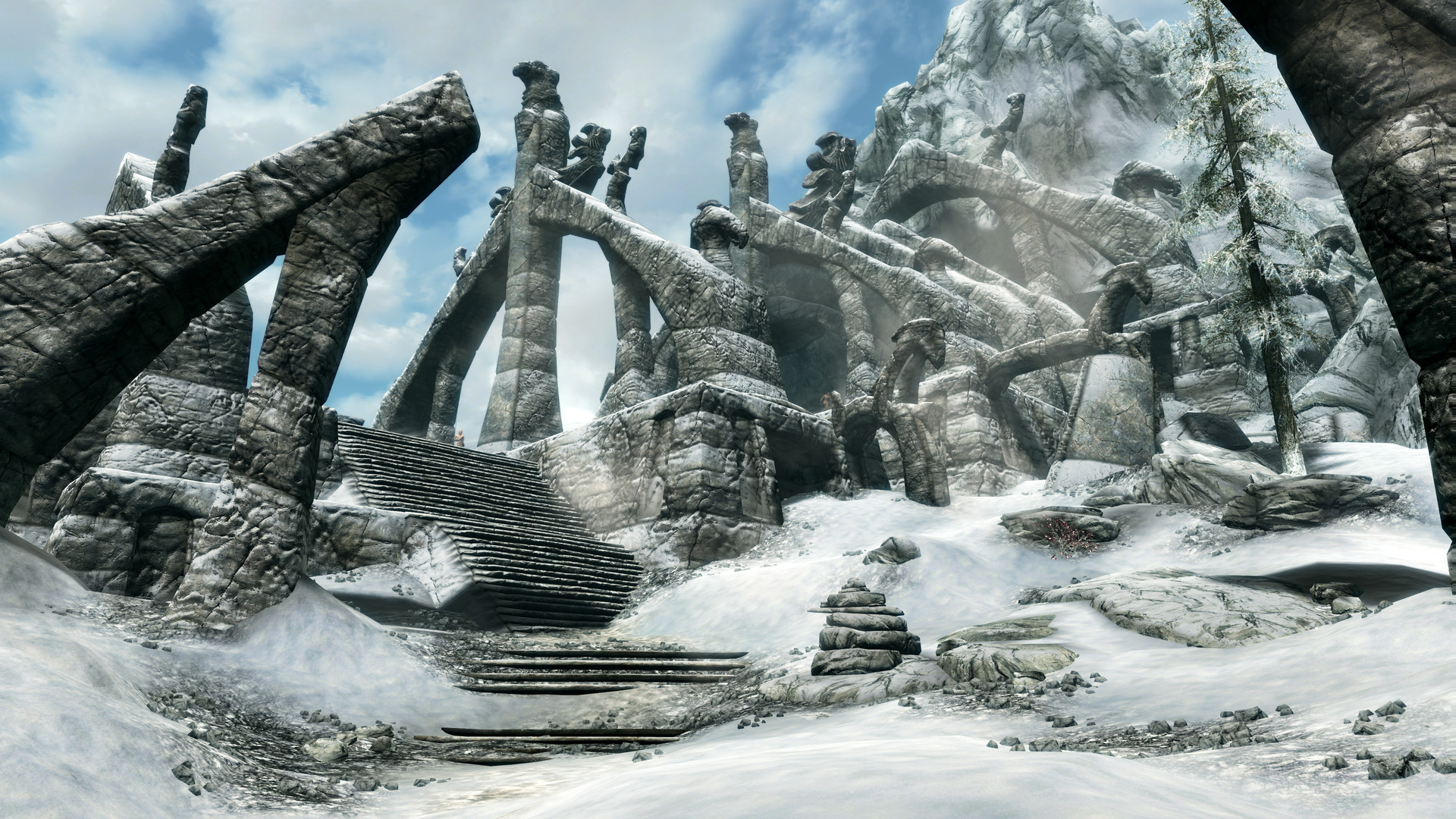
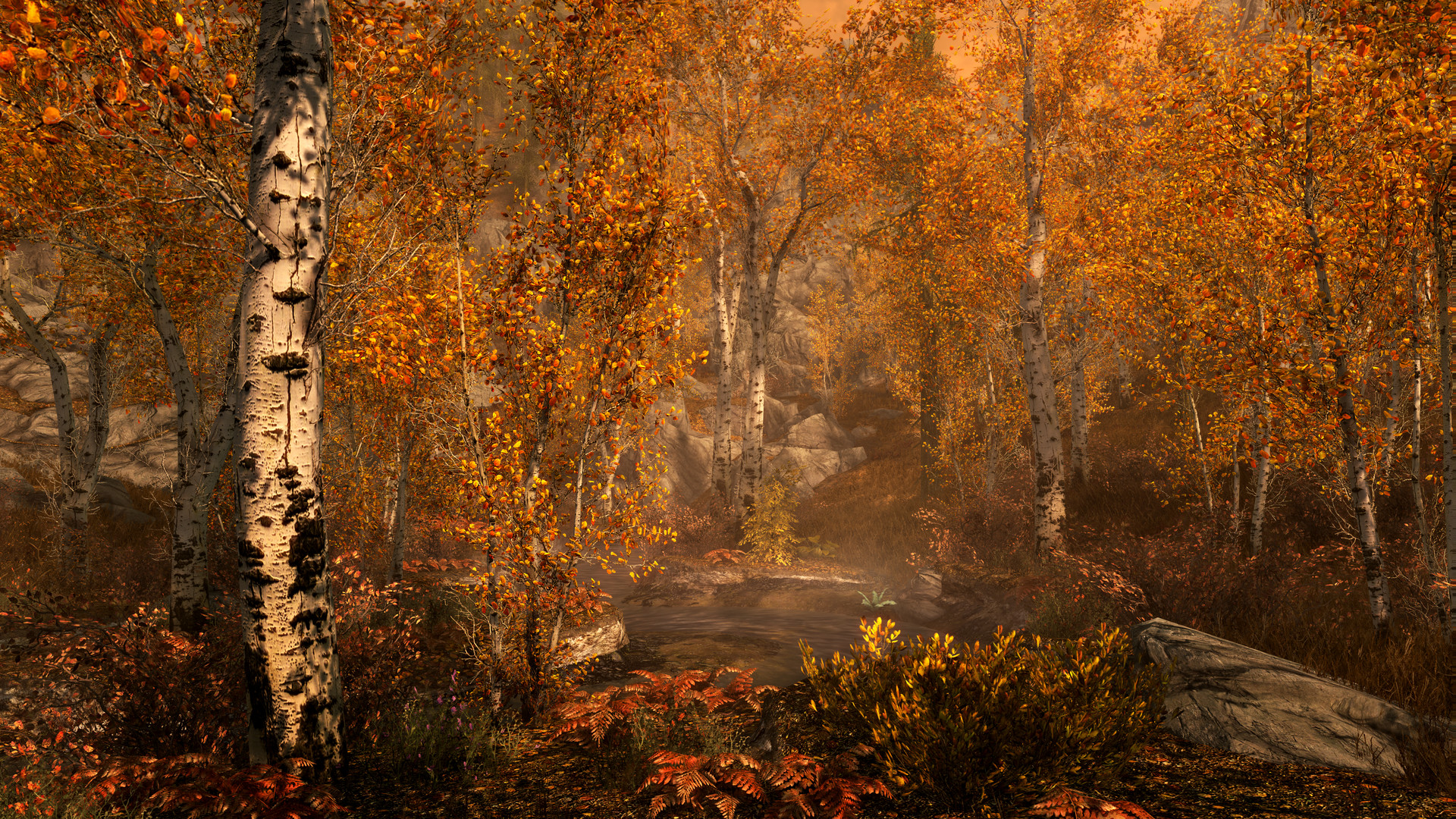
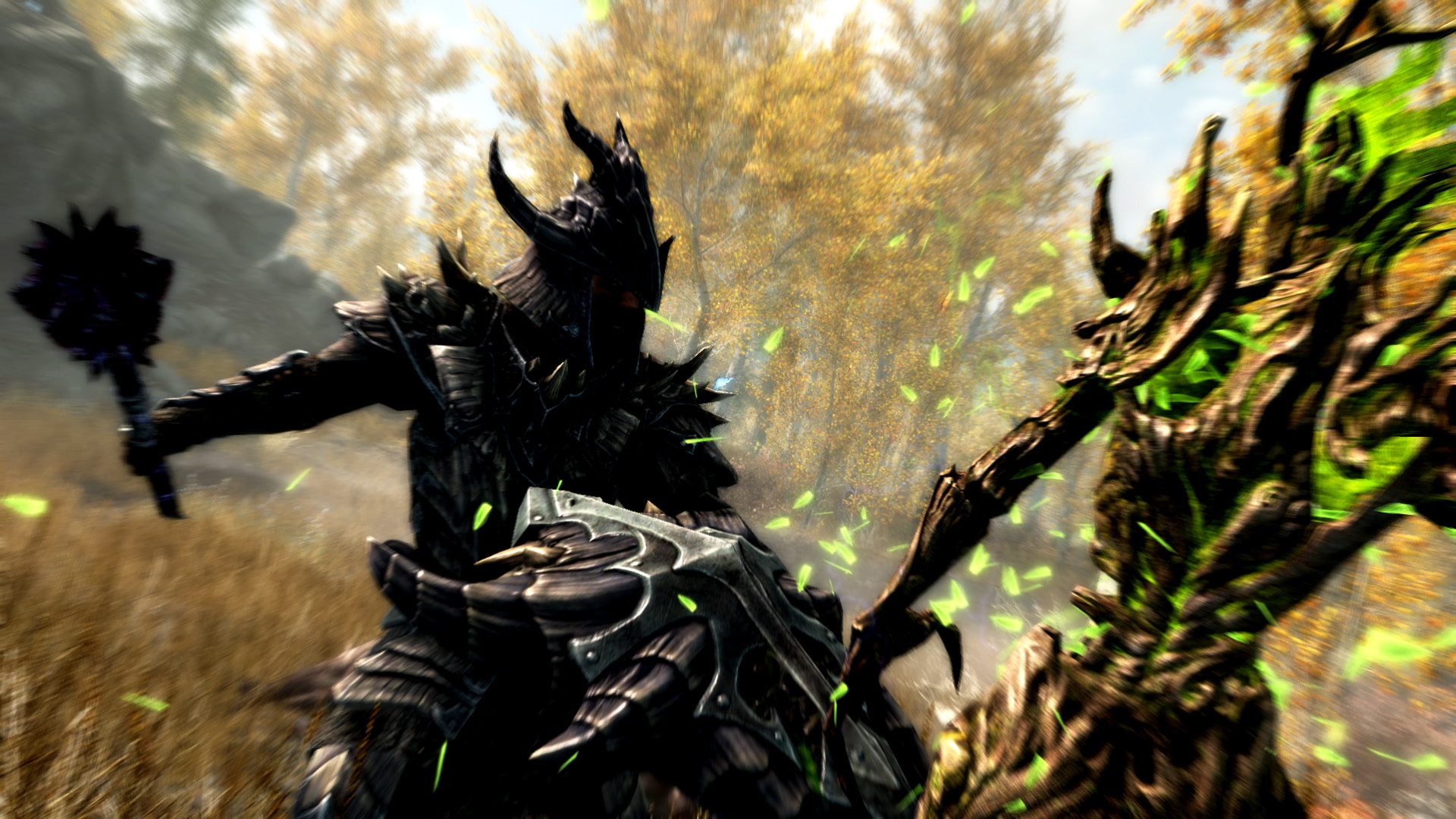
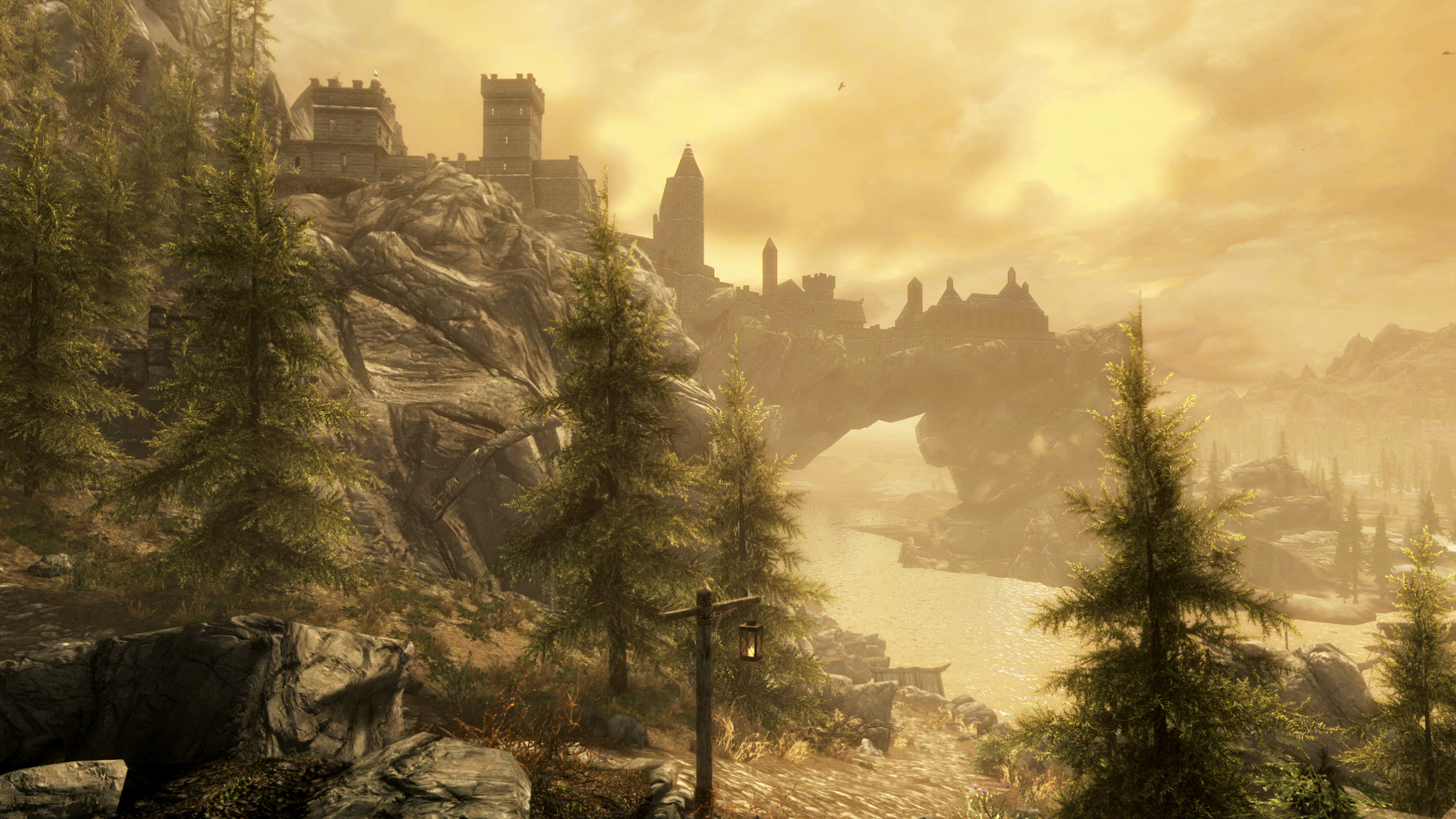
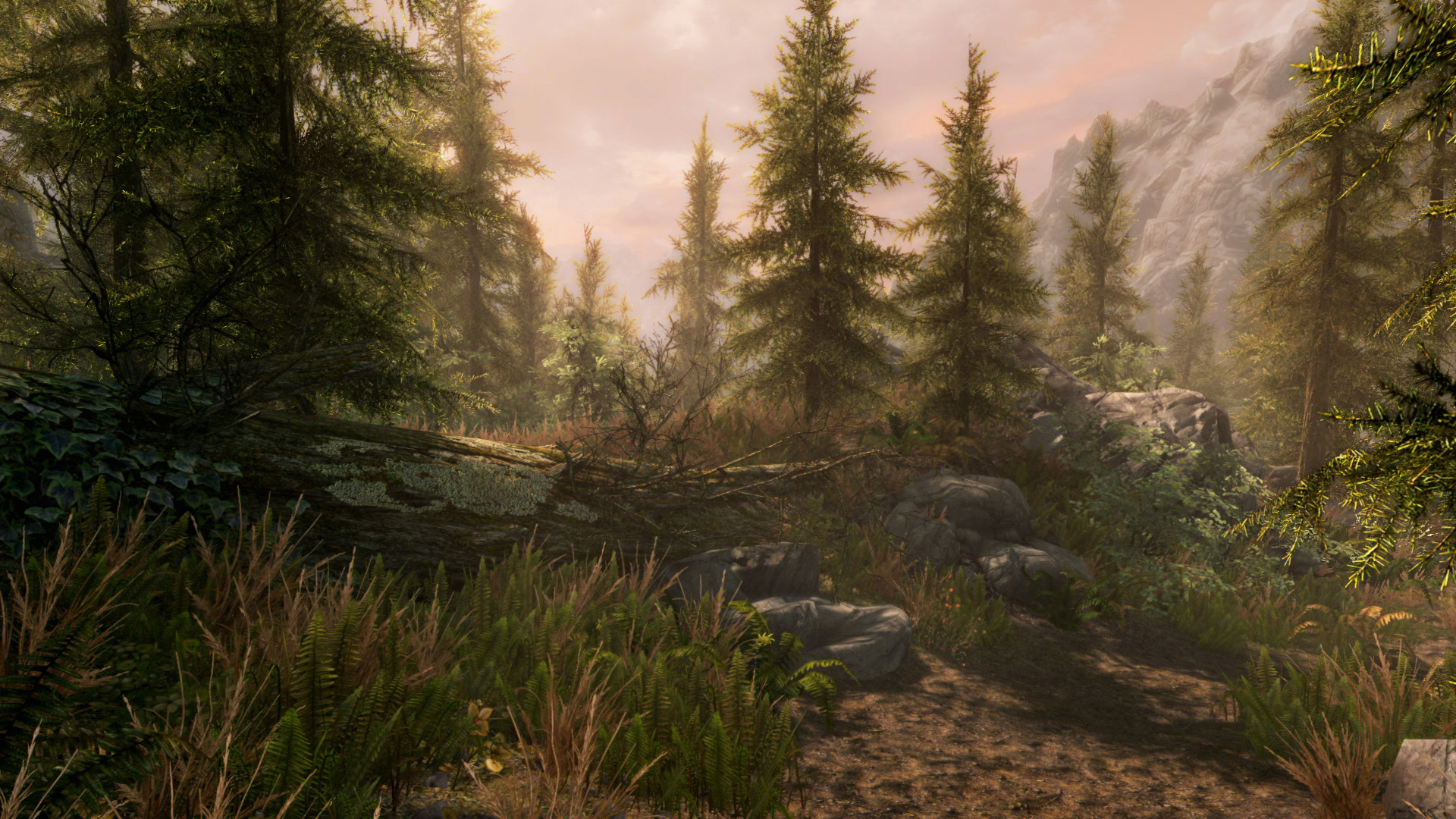
The images here are official Special Edition PC in-game screenshots. They show the base game’s world. Check the menu and content availability on the platform you actually use.
Before the next return to Skyrim, keep three things clear: the copy you are running, the content you are adding and the unmodded save you can return to. Then choose the new adventure because it interests you, with a route back to the old one already in place.
Find your next game at Zypher
Browse Zypher’s game selection and check the platform, edition and listed contents before choosing a copy. Making room on your shelf? Visit our trading and selling page to see how selling to Zypher works.
Sources
- Bethesda Support: installation, Load Order and Select Character
- Bethesda Support: achievement recovery requires an earlier unmodded save
- Bethesda Support: Creation Club achievement exception
- Bethesda Support: update compatibility, troubleshooting and preserving unmodded saves
- Exact Special Edition PC package and official in-game gallery