
Starfield can ask you to enjoy a conversation, explore a city, clear a hostile building and survive a ship battle during the same session. There is no particular reason you must want the same level of pressure from all four. Before replacing a ship or rebuilding a character around an unpleasant evening, look at which part of the game is actually causing it.
The useful change in Bethesda’s May 2024 update was the ability to separate gameplay options that a single broad difficulty setting used to bundle together. The studio specifically confirmed that ground combat can be harder while ship combat is easier. That is a practical invitation to shape the journey around the activities you enjoy.

Describe the problem before moving the setting
If infantry fights feel comfortable but ship encounters repeatedly interrupt progress, write that problem in plain language. The desired change is easier ship combat. It is not necessarily an easier experience everywhere, and it is not automatically a reason to abandon the character you have built.
Open the gameplay settings and read the relevant option before changing it. Adjust one part, then spend enough time in that activity to judge the result. If you change several controls together, a more comfortable encounter will tell you less about which adjustment helped.
For a returning player, that also means an old recommendation built around a single difficulty label may be a poor fit for the current menu. Start from the options available in your installed version, rather than copying a launch-era setup without looking at it.
Keep challenge separate from navigation
The same May update improved surface maps. Getting your bearings and fighting effectively are different jobs, and it is useful to treat them that way. A session spent searching a settlement for the right destination does not tell you whether the enemy-damage setting is correct.
Use the map when the problem is finding the next place. Use gameplay options when the problem is the pressure of an encounter. This sounds obvious until several frustrations happen together and every menu begins to look like the answer to everything.

Presentation deserves its own test
Bethesda also added a dialogue-camera toggle in that update. That is another separate preference: how you like a conversation presented need not decide how demanding a gunfight should be. If the current conversation view pulls you out of the scene, try the alternate presentation during a quiet exchange.
Watch the result rather than treating a settings screen as a list that must be completed. A good setup is one whose changes solve problems you recognize. Options you do not currently need can stay where they are.

A frame-rate target is not a difficulty level
On Xbox Series X, Bethesda’s May 2024 documentation describes separate display priorities for Visuals and Performance, plus frame-rate targets. The available choices depend on the display setup, with additional options described for a 120 Hz VRR display. Those documented settings belong to Series X; do not assume every platform exposes the same menu.
The practical tradeoff is between presentation detail and the performance target you want the system to pursue. Compare a busy scene using the actual display you play on. A preference that looks sensible in an empty room may be less useful when movement and effects fill the view.
Make the next comparison repeatable
Keep a short note of the starting configuration. Change one gameplay category or one presentation priority, return to a familiar activity and compare how it feels. The point is to recognize a useful improvement without turning every encounter into a new experiment.
Compare ship and ground encounters independently, then keep the combination that makes both worth playing. A comfortable ship battle does not require surrendering the pressure you enjoy in a hostile building.
Find the right version at Zypher
Browse Zypher’s current games and check the exact title, platform, selected condition and included contents. If your shelf needs room for the next game, our trading and selling information explains how to start.
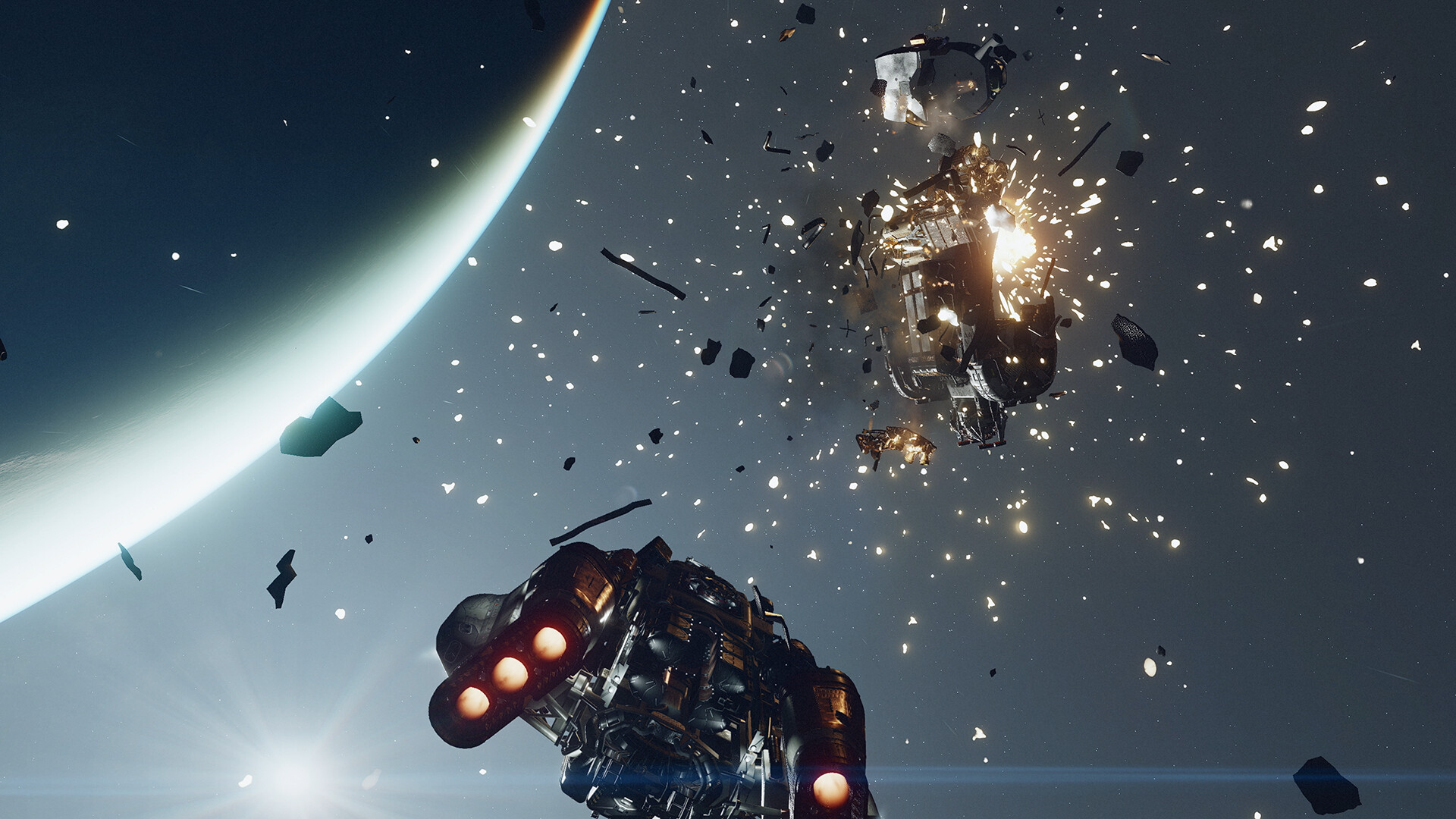
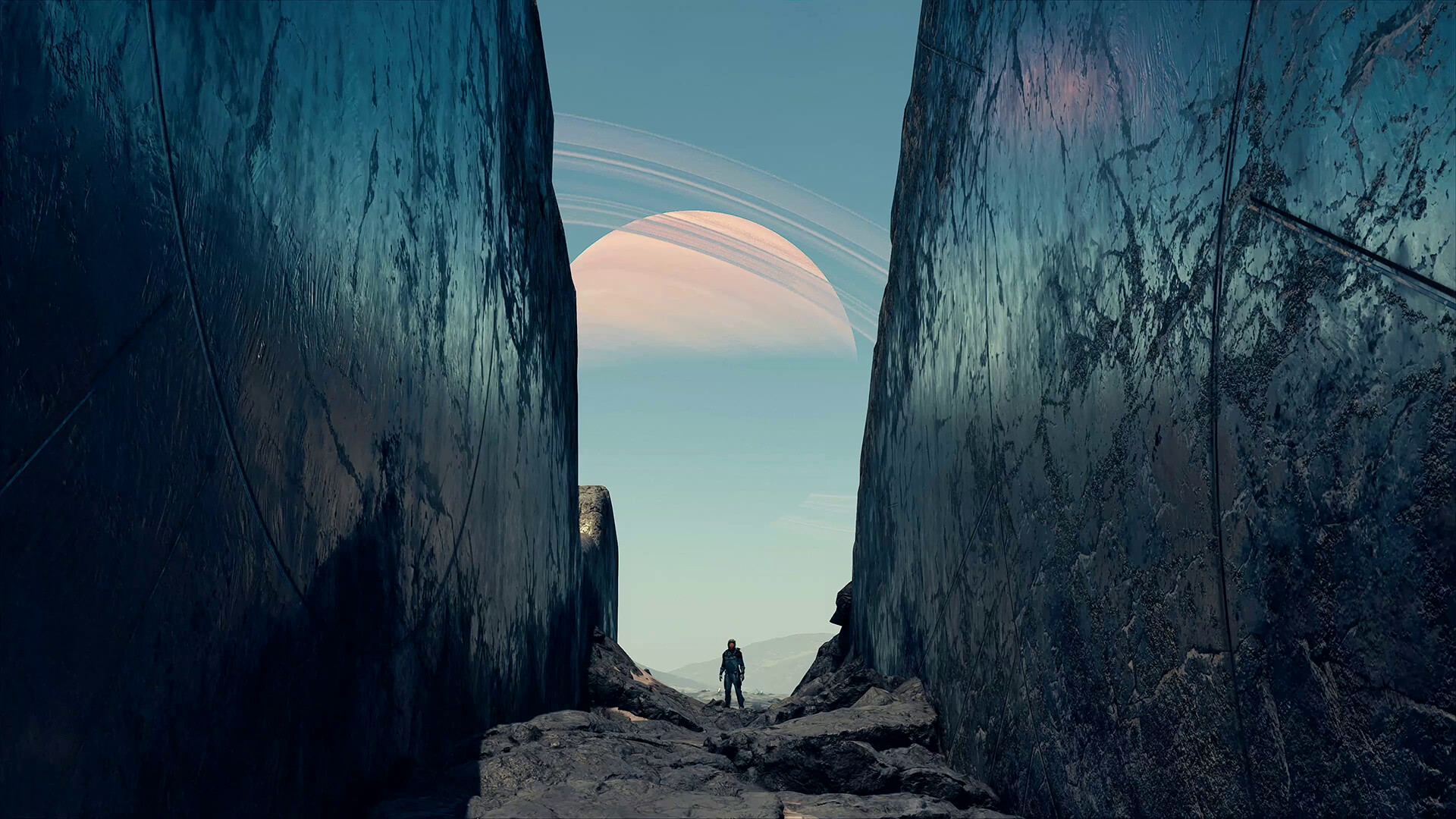
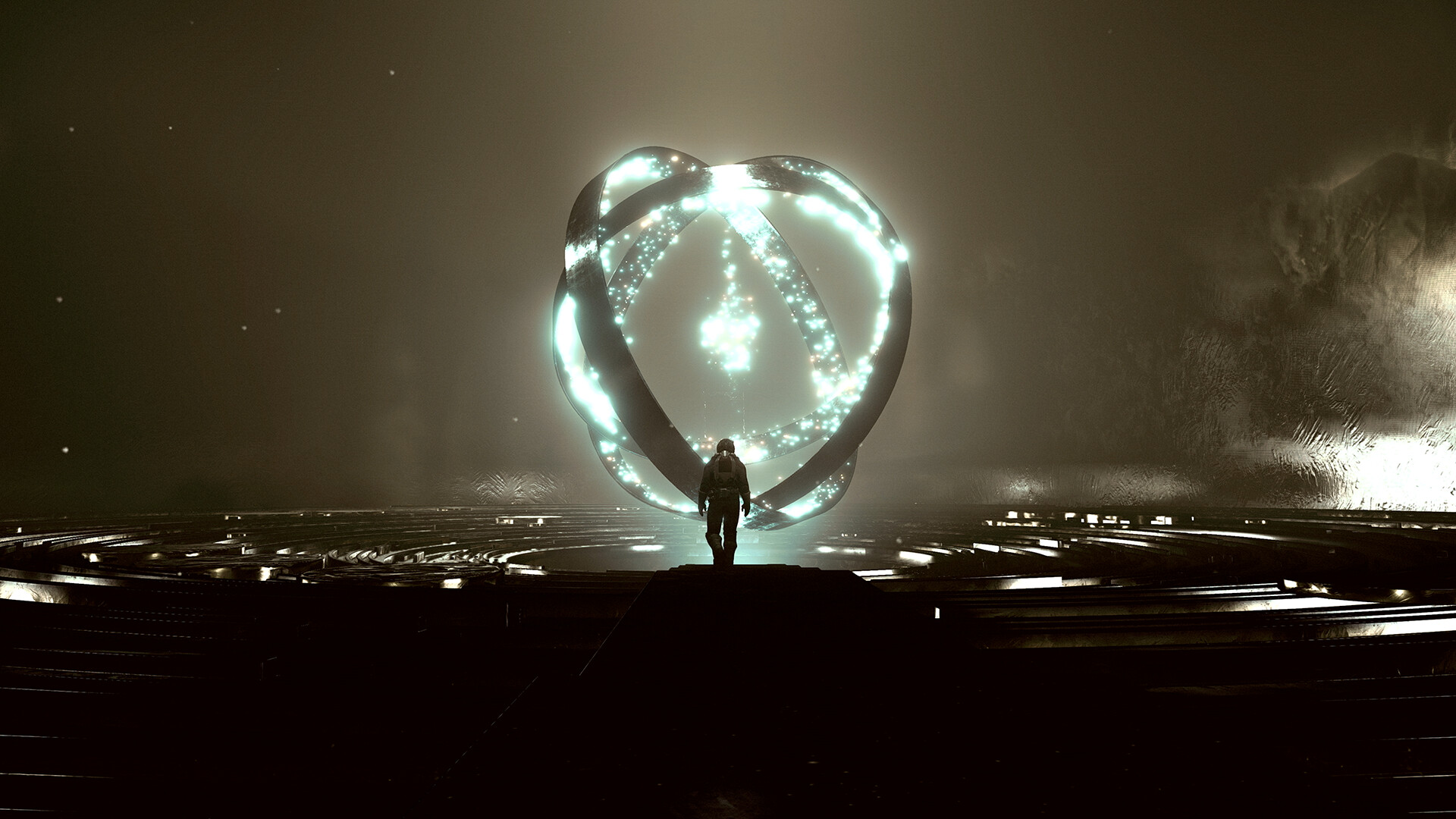
These PC gallery images illustrate Starfield’s different environments and activities; they are not captures of the settings menu. Display details above are scoped to Bethesda’s documented Xbox Series X options.
Sources and image notes
- bethesda.net • starfield-update-1-11-36-may-15-2024
- help.bethesda.net • 61007
- store.steampowered.com • Starfield
Checked November 23, 2026. Practical recommendations and design observations are Zypher editorial interpretation. Images show the exact game’s PC edition; captions identify the pictured scenes.


