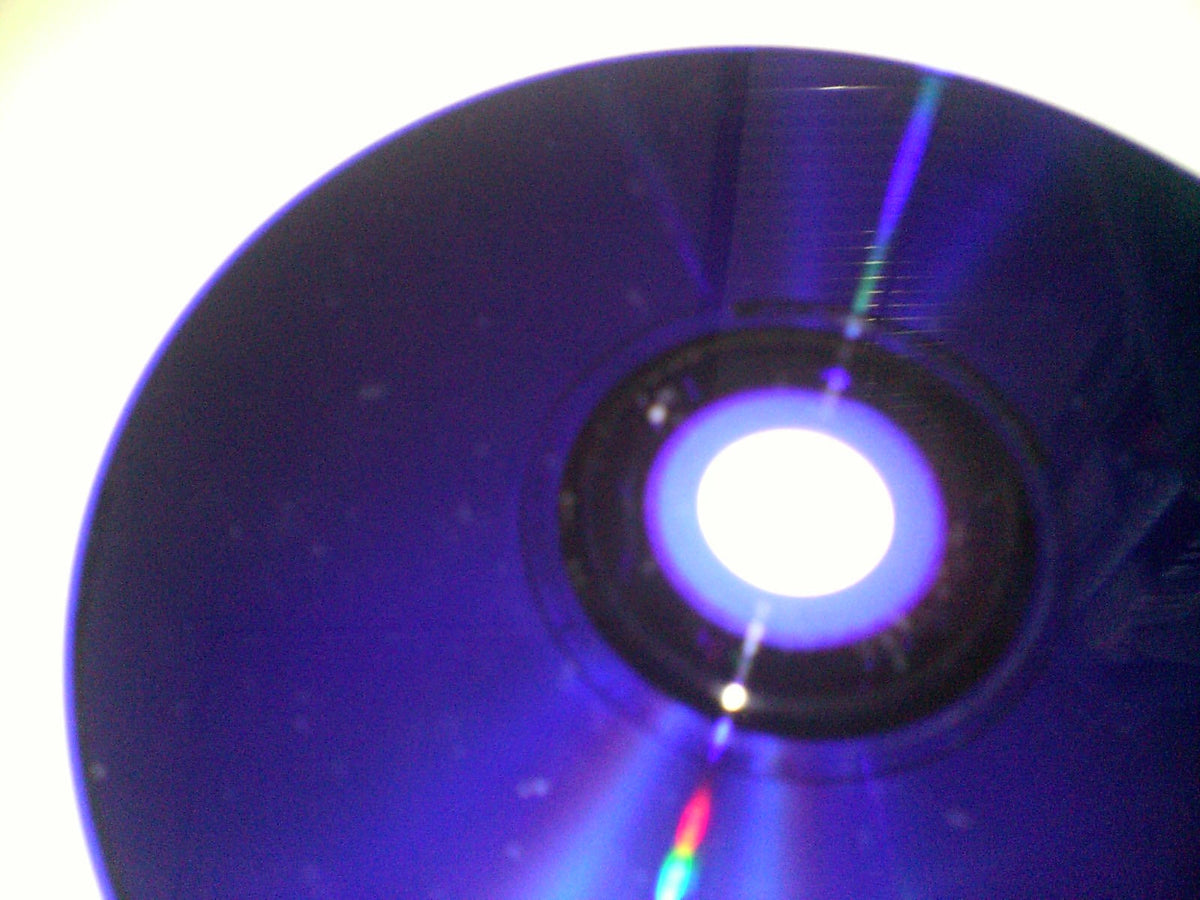
A blue PlayStation 2 disc can look suspicious if every other PS2 game on your shelf has a silver underside. Relax. Sony did not let a marker loose in the disc factory. The color identifies a different optical-disc format, and an official PS2 CD-ROM is every bit as legitimate as a PS2 DVD-ROM.
That distinction matters when you are buying, testing, or troubleshooting used games. Color can tell you what kind of media you are holding. It cannot, by itself, prove authenticity, condition, region compatibility, or whether your particular console will read the disc.
Blue means PS2 CD-ROM, not counterfeit
Sony's official SCPH-75000 FF PlayStation 2 manual lists three game-disc categories: PS2 DVD-ROM discs as silver, PS2 CD-ROM discs as blue, and original PlayStation CD-ROM discs as black. That manual is for a Japanese console, so its regional markings are not a universal checklist for every market. The basic point is wonderfully uncomplicated: blue PS2 discs are an official format.
The label side should still identify the game and carry the appropriate PlayStation 2 branding. The blue underside is not a bonus edition, a rarity grade, or a certificate of authenticity. It is the data side of a CD-ROM. The PS2 library used both CD-ROM and DVD-ROM media, because apparently one optical format would have made the early 2000s far too peaceful.

What the disc color does and does not tell you
A blue underside tells you the disc uses the PS2 CD-ROM format. A silver underside is associated with PS2 DVD-ROM. That is useful information, but it is only one piece of the identification puzzle.
- It does tell you the media family. Blue and silver PS2 discs ask the console to read different optical formats.
- It does not tell you the region. Check the case, label, product code, rating marks, and the exact console you plan to use.
- It does not guarantee authenticity. Compare the complete printed label, PlayStation branding, catalog code, center ring, and packaging against a trusted reference for that exact release.
- It does not describe condition. A correct-looking blue disc can still have scratches, cracks, residue, label damage, or a stressed center hub.
- It does not make the game rare. Collector value depends on the title, edition, condition, completeness, and demand, not a dramatic-looking underside alone.
If a listing shows only the blue bottom and calls that proof of authenticity, ask for the label side and packaging. One photograph is not a background check. It is one photograph.
Are blue discs bad for a PS2?
The color itself is not a defect. Sony documented PS2 CD-ROM and DVD-ROM as supported software formats. The safer conclusion is that a legitimate, undamaged disc in the correct region belongs to the system's intended library.
A reading problem still deserves careful testing. If one blue disc fails, the disc may be dirty or damaged. If several known-good PS2 CD-ROM games fail while known-good DVD-ROM games work, record that pattern before blaming every blue disc in the building. It indicates a format-specific reading problem on that setup, but it does not identify the failed component. A repair diagnosis requires more than a dramatic startup screen and a hunch.

How to test a used blue PS2 disc without inventing a diagnosis
1. Confirm the exact release
Match the title, regional rating, product code, publisher information, and printed PlayStation 2 marks. Use the whole label and case, not the underside color alone. If the seller offers a disc-only copy, assume the case and manual are not included unless the listing explicitly says otherwise.
2. Inspect the center hub and both surfaces
Look for cracks radiating from the center, peeling or punctures on the label side, deep scratches, residue, and warping. Tiny cosmetic marks and structural damage are not the same thing. A crack near the hub is a reason to stop, not a challenge mode.
3. Clean conservatively
Current PlayStation disc-care guidance recommends a soft cloth wiped from the center toward the edge. PlayStation safety guidance also warns against solvents, record cleaners, anti-static spray, and other chemicals. That is sensible care for an older PS2 disc too. Do not turn a fingerprint into a chemistry experiment.
4. Compare known-good media
Use a known-good PS2 CD-ROM and a known-good PS2 DVD-ROM on the same console. Then test the questioned disc on another compatible, known-working PS2 if one is available. Record exactly what loads and where. This separates observations from guesses and gives a repair shop or seller something more useful than “it hates blue.”
What collectors should preserve
Keep the original case, artwork, manual, registration cards, and other documented inserts with the disc when they survive. Do not promise that every copy originally included the same paperwork, and do not treat a replacement case as original packaging. Photograph the label, data side, center hub, and product code before shipping or lending a valuable copy.
The PS2's mixed media is part of its physical history. Blue, silver, and the original PlayStation's black discs make the shelf more interesting, but the practical rule stays boring in the best possible way: identify the exact release, describe what is actually included, and test the format rather than arguing with its color.

Build your PS2 shelf at Zypher
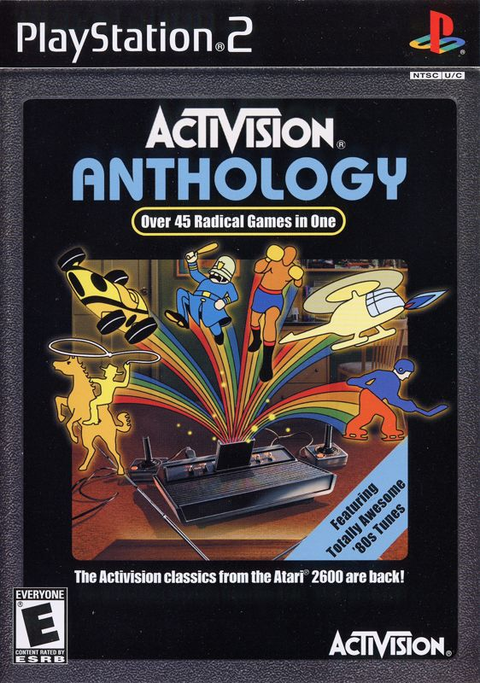
Ready to put the explanation to work? Browse current PS2 listings such as American Chopper, Aggressive Inline, and Activision Anthology at Zypher Trading. Availability and condition options can change, so read the selected listing carefully. A disc-only option includes the game disc, not a case, manual, or a small museum exhibit that materializes at checkout.
Clearing out duplicates? Use the Zypher Buy List when an exact title is eligible, or sell your old games to Zypher for a straightforward way to move the rest of the shelf.
Sources and image permissions checked October 22, 2026. Format-color documentation: Sony Computer Entertainment's official SCPH-75000 FF PlayStation 2 manual. General PS2 operation was cross-checked against Sony's official SCPH-90002/SCPH-90003 User's Guide. Disc-care wording was checked against current official PlayStation safety guidance. Featured image: photo by PiaCarrot, CC BY-SA 3.0; used without changes. Product links were checked against active native Shopify listings; no inventory quantity or price is promised here. Hardware and disc photographs illustrate the formats discussed and are not the store's offered copies. No hands-on testing is claimed.