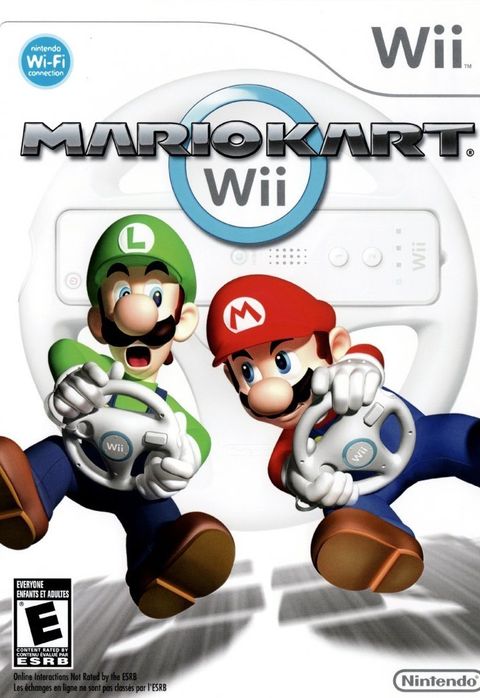
The last job after a Mario Kart Wii rematch happens behind the battery cover. If your Wii comes out only for holidays, family visits or an occasional return to the old collection, battery care belongs in the routine when you put the remotes away.
The useful questions are specific: which cells does Nintendo recommend, how should you change them, and what should remain inside the remote during a long break? This guide covers those ownership decisions for Nintendo Wii Remotes, rather than promising a chemical cure for an already damaged battery bay.
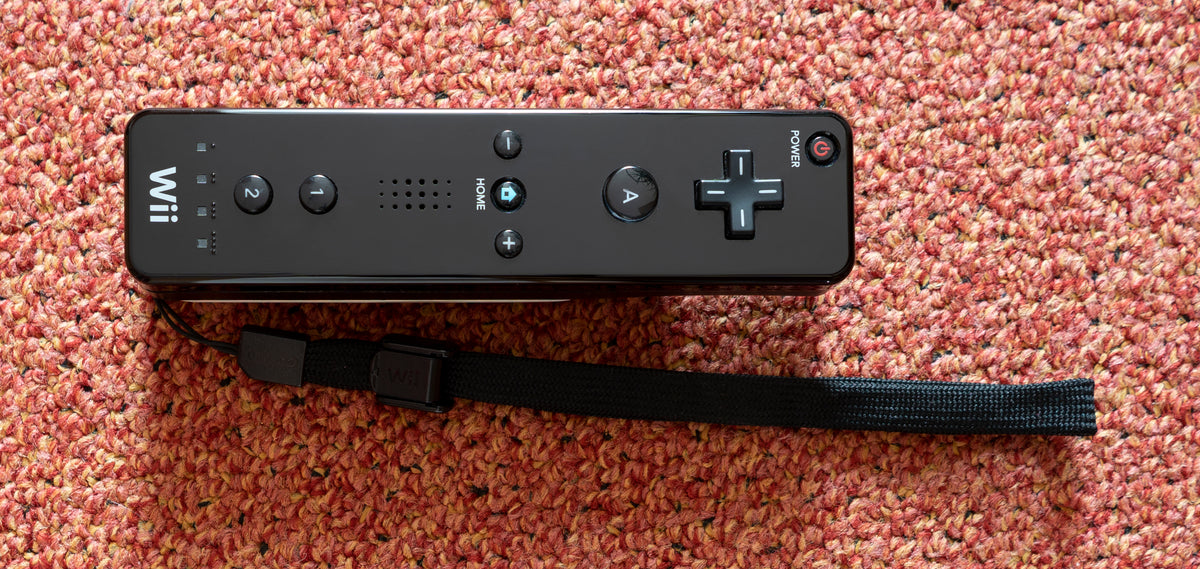
Featured photograph: black Wii Remote and wrist strap by PantheraLeo1359531, CC0. Unaltered reference photograph; it does not show the battery compartment or a recommended storage surface.
Start with the battery type, not the charging dock
Nintendo recommends alkaline batteries. Its rechargeable option is specifically nickel-metal hydride, or NiMH, used according to the battery manufacturer's safety and usage instructions. “Rechargeable” by itself is not a compatibility specification.
The same guidance excludes lithium-ion, nickel-cadmium and carbon-zinc batteries. It also says to replace both cells together and avoid mixing brands or combining new and used batteries. A drawer containing two objects marked AA has not necessarily supplied a suitable pair.
Our practical suggestion is to keep the pair together between ordinary sessions and read the chemistry printed on the cells before installation. If an accessory came with a special pack or a replacement battery cover, identify that accessory separately. Nintendo's allowance for NiMH cells should not be treated as approval for every charging dock and pack sold for the Wii.
Change both cells and follow the polarity marks
Nintendo's installation procedure uses two AA batteries. With a jacket fitted, Nintendo directs you to pull it from the base, pull the wrist strap out and slide the jacket up to expose the complete battery cover. Remove that cover. Follow the plus and minus marks inside the compartment.
The order is worth remembering: insert the negative end first, and remove the positive end first when replacing the batteries. Replace the cover afterward. Do not rely on a memory of which way another controller's batteries faced.
For an older controller, our advice is to examine the compartment before fitting a fresh pair. Nintendo says not to use damaged, deformed or leaking batteries. Finding a problem changes the job from an ordinary battery swap to a condition issue that needs appropriate guidance. Fresh cells should not become a way to postpone that decision.

Empty the remote before a long break
Nintendo's Wii precautions say not to leave batteries in the remote during long periods of non-use. They also prohibit recharging alkaline or other non-rechargeable batteries. Keeping a spare remote ready to play is convenient. Leaving the same disposable cells inside through a long retirement is a different decision.
Make removal part of packing the Wii away. Our recommendation is to check every remote in the set, including the spare that nobody selected that evening. Put the covers back with their matching controllers so the next game night does not begin with a hunt for a small piece of plastic.
Keep an ownership note if the collection will be stored for an extended period: which remotes were checked, whether batteries were removed, and any visible condition problem. That note is more useful than assuming the controller at the bottom of the box received the same attention as player one's.
Short battery life is a separate diagnosis
Nintendo's battery-drain page warns against leaving a remote where it can be switched on accidentally, including between couch cushions. It gives approximately 20 to 30 hours for fresh alkaline batteries, with substantial variation from use, speaker volume, rumble, battery quality and age, and the game.
Treat that as context, not a guaranteed runtime for your secondhand controller. If drain remains unusual, follow the manufacturer's troubleshooting route. Our used Wii Remote checklist covers broader functional checks; button cleaning addresses a different symptom. A fresh battery pair cannot prove that every other part of the controller works.
Keep the Wii shelf ready for another round
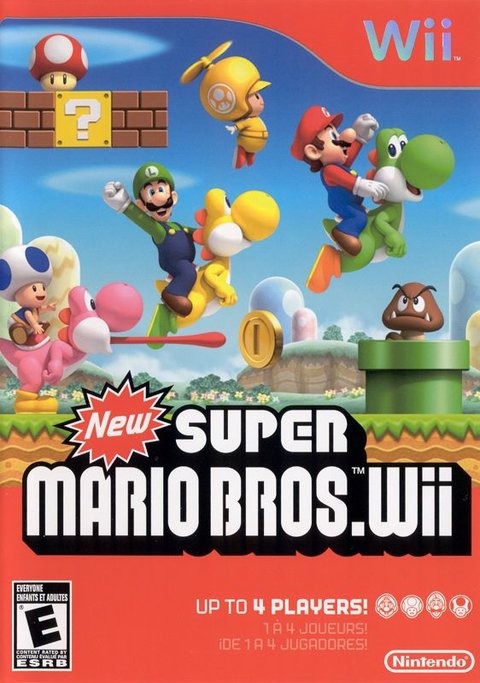
Buy your next Wii game from Zypher Trading Video Games. Browse Mario Kart Wii or New Super Mario Bros. Wii, then check the selected copy's condition and included contents. These are game listings; controllers, batteries and charging accessories are included only if the listing explicitly says so.
Shop Zypher's games, or sell your old games to Zypher when you are reorganizing the collection.
Manufacturer instructions, photograph permissions and native game listings checked November 6, 2026. Organization and inspection suggestions are Zypher editorial advice. This article does not claim firsthand battery testing or provide a corrosion-removal procedure.