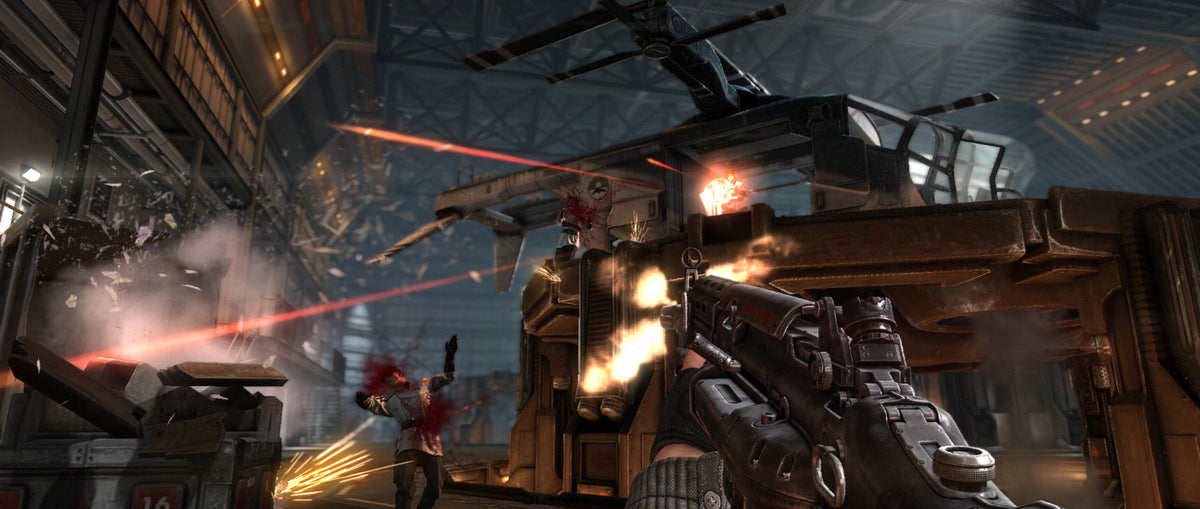
Returning to Wolfenstein: The New Order should begin with a useful question: are you starting over, or revisiting a chapter with the progress you already earned? The menu choices are not interchangeable.
Bethesda Support says starting a New Game overwrites chapter progress and unlocked perks. It also gives a separate chapter-menu method for revisiting the first chapter and choosing the alternate character while retaining perks. That is a much better thing to learn before clicking than after a favorite ability has disappeared.
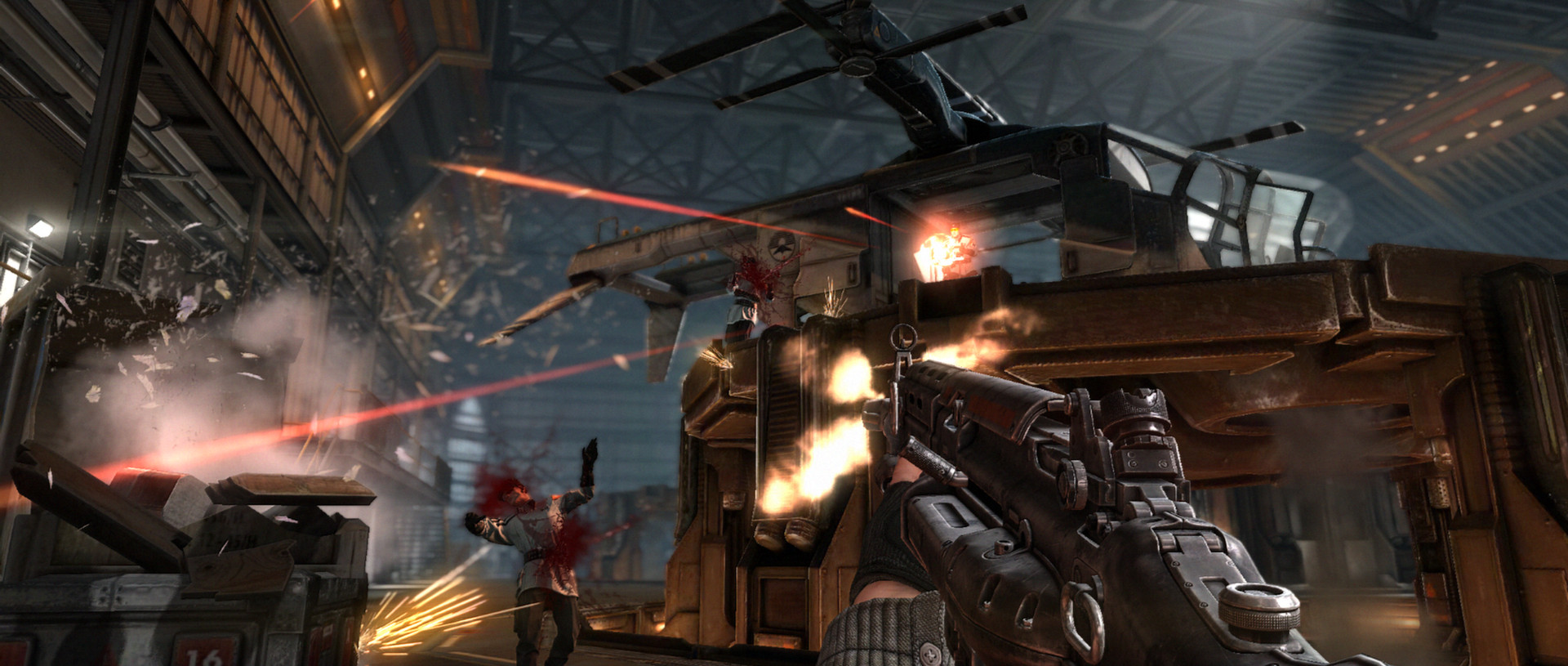
Identify which progress you want to keep
The game uses both a profile save and a progress save. Bethesda’s explanation puts settings and collectibles in the profile, while chapter progress and unlocked perks belong to the progress save. Those categories help explain why a fresh start can affect one part of the game without removing everything you remember collecting.
Begin by deciding what the next session is for. A genuinely fresh run and a return visit to an unlocked chapter have different purposes. If your goal is replaying a familiar section while keeping your earned perks, use the route designed for that job.
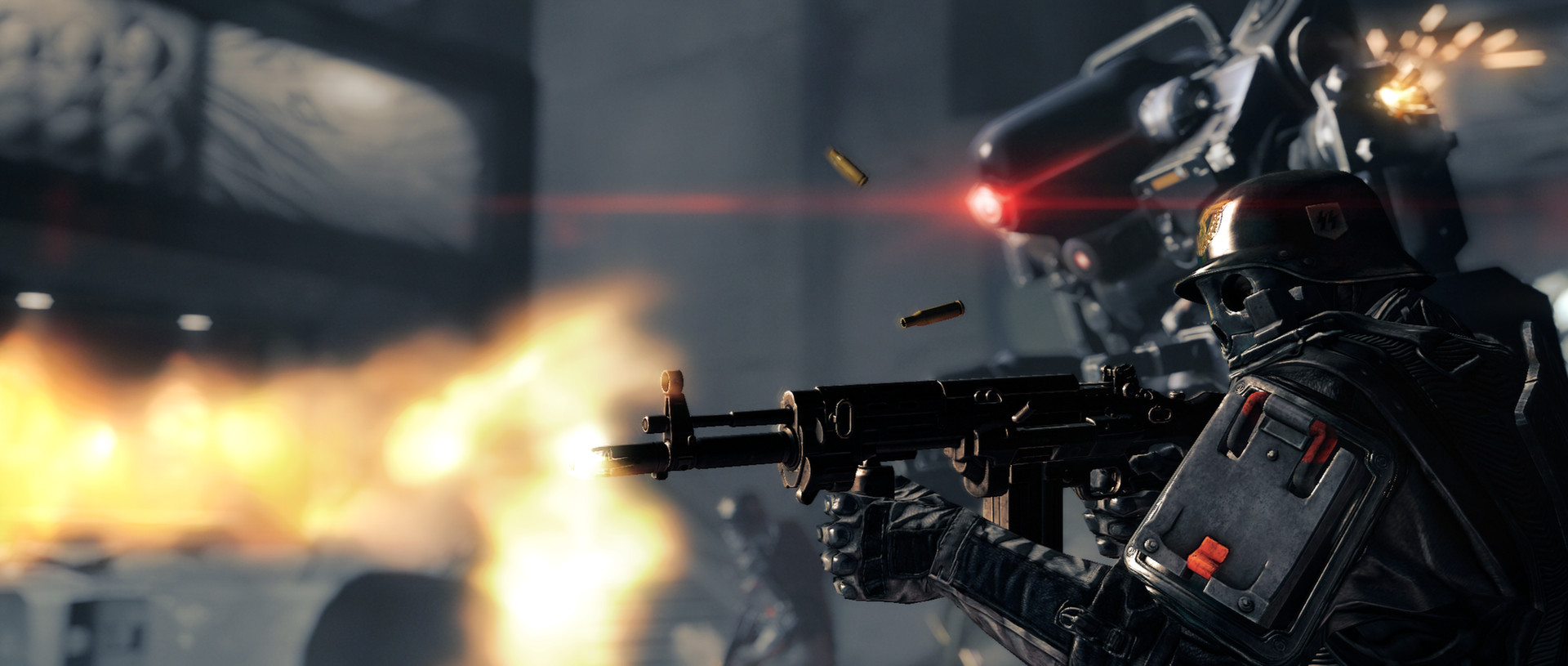
Use Chapters for the documented replay route
Bethesda’s instructions for preserving perks are to open Chapters, select Chapter 1 and choose the alternate character at the end of the map. That is a specific replay method, not an instruction to choose New Game and hope the same thing happens.
Take a moment to read the selected menu item before confirming. A useful habit in an older game is to match the action to the progress you want to retain, particularly when returning after a long break. Familiarity with the opening mission does not necessarily mean remembering every save-menu distinction.

Perks reward the way you play
The manual groups perks into Stealth, Tactical, Assault and Demolition. Those groups describe approaches to combat, with benefits connected to silent takedowns, conventional weapons, heavier firepower and explosives.
The practical lesson is to inspect the exact requirement for the next perk you want. Do not merely assume that playing through another chapter will advance every category equally. A challenge asking for a particular kind of action gives your replay a more useful purpose than vaguely trying to complete the perk screen.
You can still enjoy the mission naturally. The difference is recognizing a suitable opportunity when it appears, rather than reaching the end and discovering you spent the whole session doing a different kind of work.

Commanders change the priority inside a fight
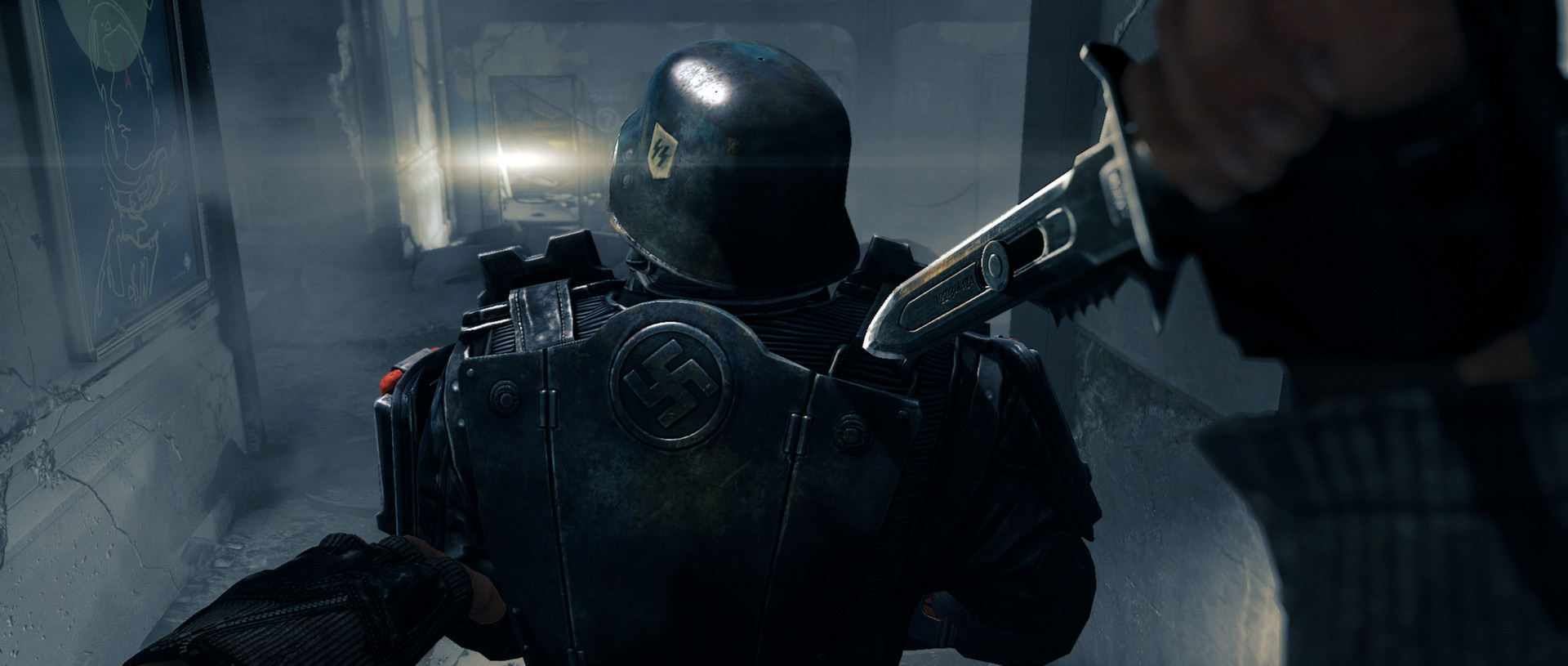
The manual explains that alerted Commanders can call for reinforcements. Taking one out undetected prevents that alarm, and the Scout perk adds on-screen information about nearby commanders and their alarm state.
That gives a stealth-oriented replay something concrete to examine. Read the space, locate the relevant threat and decide how to approach before the fight becomes crowded. The perk is more useful when you understand what its information changes about your next action.
Separate learning a section from completing a challenge
A difficult encounter can serve two different practice goals. You might be learning how to survive it, or trying to perform the action required by a specific perk. Attempting both at once can make it harder to recognize why an effort failed.
For a cleaner practice session, begin with the route and enemy positions you understand. Then add the particular challenge. That is an editorial recommendation about learning the encounter, not a hidden requirement imposed by the game.
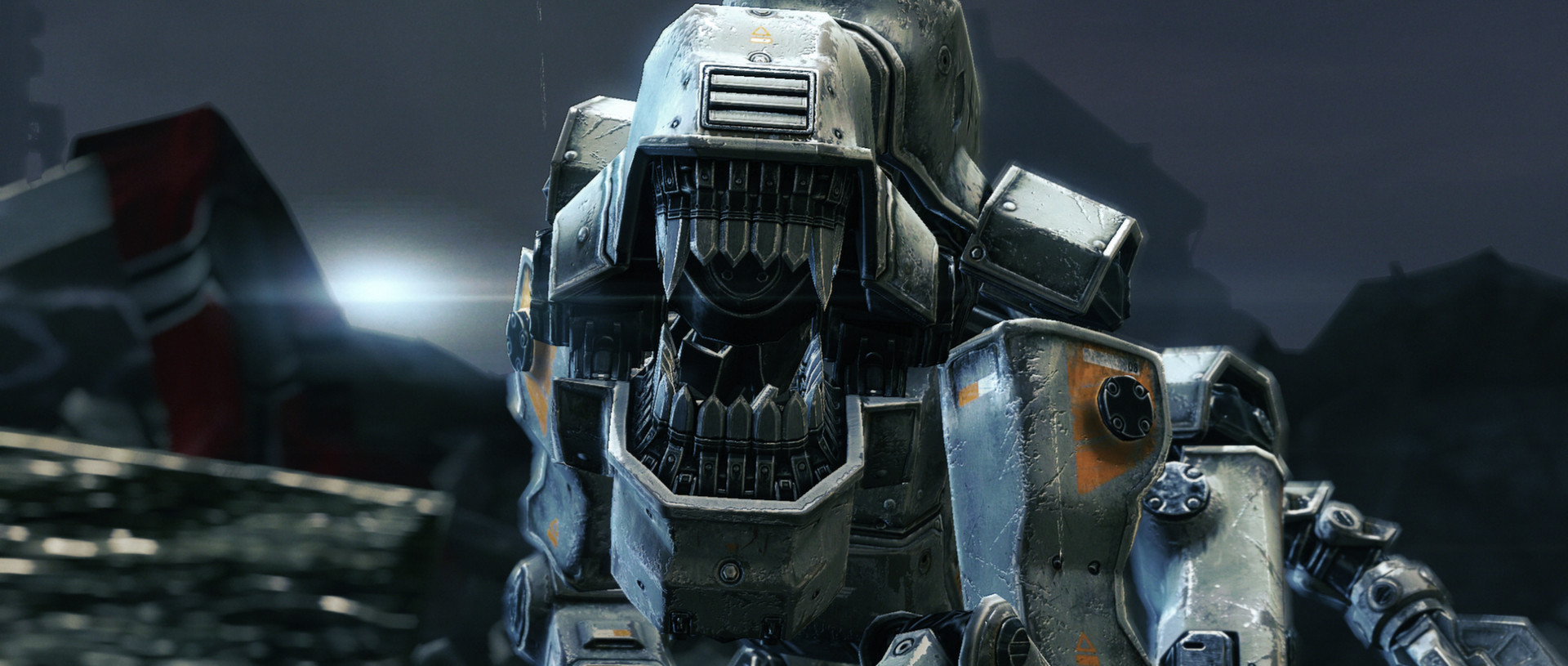
Leave the save choice as deliberate as the weapon choice
Bethesda notes that Resume loads the latest progress save and that unlocked chapters can be selected through Chapters. Use that distinction when planning how to return to the game. Wait for the game’s save activity to finish before ending the session.
The next replay should preserve the parts of your progress you intended to keep. Choose the menu route first, inspect the perk goal second, and then let the chapter provide the opportunities. The alternative is learning the save system through an unnecessarily dramatic reset.
Find the right version at Zypher
Browse Zypher’s current games and check the exact title, platform, selected condition and included contents. If your shelf needs room for the next game, our trading and selling information explains how to start.
Sources and image notes
- help.bethesda.net • 10396
- help.bethesda.net • 10395
- assets.ctfassets.net • manual_wolf-tno_pc_en.pdf
Checked November 23, 2026. Practical recommendations and design observations are Zypher editorial interpretation. Images show the exact game’s PC edition; captions identify the pictured scenes.


