Your Grounded group has built a base, stocked it with supplies, and finally found an evening when everyone can play. Then the person who owns the save has to leave. Shared Worlds exist for exactly this scheduling problem: the backyard can remain the group's project even when that original player is offline.
This guide covers the original Grounded, with particular attention to Steam's account choices. It explains the documented save model and suggests a simple handover routine. Grounded 2 is a separate game; do not use its menus or patch notes to troubleshoot this one.
Featured visual: a furnished Grounded base interior with a character giving a thumbs-up. Full in-game screenshot from Obsidian's April 2024 Fully Yoked release post; capture platform unspecified. © Microsoft. Used with permission from Microsoft.
Sharing the world changes who can host it
The current official game page still describes Shared Worlds as a way to continue when the original host is absent, with progress saved. Obsidian's original feature documentation supplies the important distinction: the world is stored in the cloud and shared with friends who can host it.
That documentation specifies one host at a time. Other players join the hosted session. Think of a change of host as a planned handover: finish the session, then have the next person host the shared world. Do not build the night's plan around an assumed automatic transfer while everyone stays connected.
For example, suppose one friend has an hour after work and another usually plays later. A Shared World gives that second player a route back into the same project. It does not remove the need to agree which world the group is using or what everyone hopes to do together.

On Steam, multiplayer and Shared Worlds have different account requirements
Obsidian's September 2024 patch 1.4.5 notes allow Steam friends to host and join Standard World multiplayer without signing into a Microsoft account. The same notes explicitly retain the Microsoft-account requirement for Shared Worlds, crossplay and Playgrounds.
So “we can play together through Steam” does not establish that the group has configured Shared Worlds. Decide which feature you need before treating an account prompt as unexpected. Standard multiplayer and passing hosting duties between friends are different requirements.
The patch also introduced a choice between Steam Native and Crossplay states, with friends needing the same state to see and join one another. Check that selection together if a session is missing. A friend being visible in one account's list is not, by itself, proof that everyone's game is using the same connection setup.
For mixed-platform groups, use Obsidian's cross-platform setup guide. It explains enabling crossplay and linking the intended Microsoft/Xbox account. Console players should also check their platform's current online-multiplayer subscription requirements. A free account and a console's online service are separate parts of the setup.
A Standard copy is a separate yard to keep track of
The original feature notes describe converting an existing Standard World through the Save/Load menu and copying a Shared World into a local Standard World. That second option is useful, but the word “copy” deserves attention.
Label the purpose of each copy in your own notes. One might be the shared group yard, another a local version kept for a solo experiment. If you want your friends to see tonight's work, confirm that you are hosting the group's Shared World before spending the evening building. Do not assume that two saves with a familiar base inside them are the same continuing project.
Keep a known working copy while checking the setup. Avoid deleting older saves merely because a new shared entry appears. First establish that the intended friend can find and host the intended world. Copy creation and a successful handover are two separate checks.

Agree which progress belongs to the next group session
Convenient hosting creates a social choice. Some groups want anyone to gather, build and explore whenever they have time. Others want major discoveries to happen with everyone present. Neither preference is a game setting that your friends can read from your mind.
Grounded gives that conversation a concrete reason to happen. The Fully Yoked notes describe Ant Queen choices that affect rewards and colony reactions, with some consequences appearing later. That is the sort of decision worth discussing before one player advances the shared yard alone.

Try a short handover before a long building night
- Have the first player host the intended Shared World and confirm that the second player can join.
- Use a brief session with an easy-to-recognize, low-stakes change, such as placing an agreed decoration in the base. Save through the game and finish that session.
- Have the second player host that same Shared World while the first is offline, then check for the agreed change.
- If the world or its state is unexpected, compare the selected save and account setup before continuing. Keep the working copies while you investigate.
Use this as a setup check before committing a long session. It is much easier to sort out a misplaced decoration than discover that two friends spent a whole evening renovating different versions of the same base.
Pick the right game and platform at Zypher
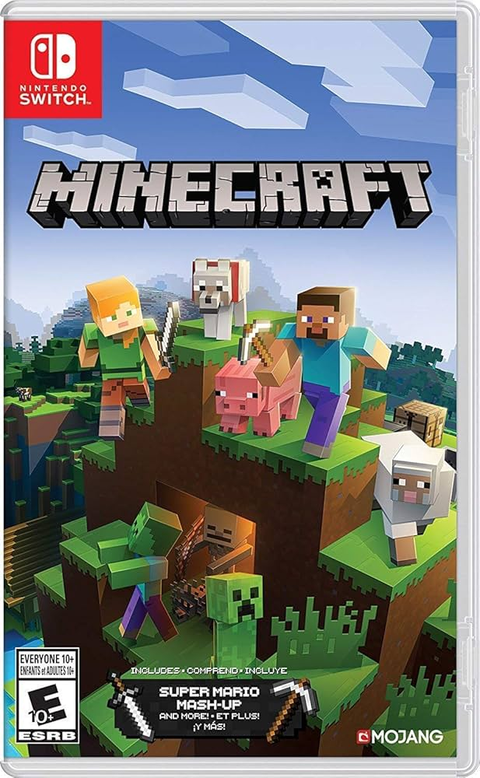
For another building-focused game on different hardware, see Minecraft for Nintendo Switch at Zypher. It is a separate game; this Grounded save guide does not describe Minecraft's multiplayer setup.
Browse Zypher's video games and check the exact platform, selected condition and included contents before ordering. To make room for your next project, start with our general sell-your-old-games page and check current eligibility.