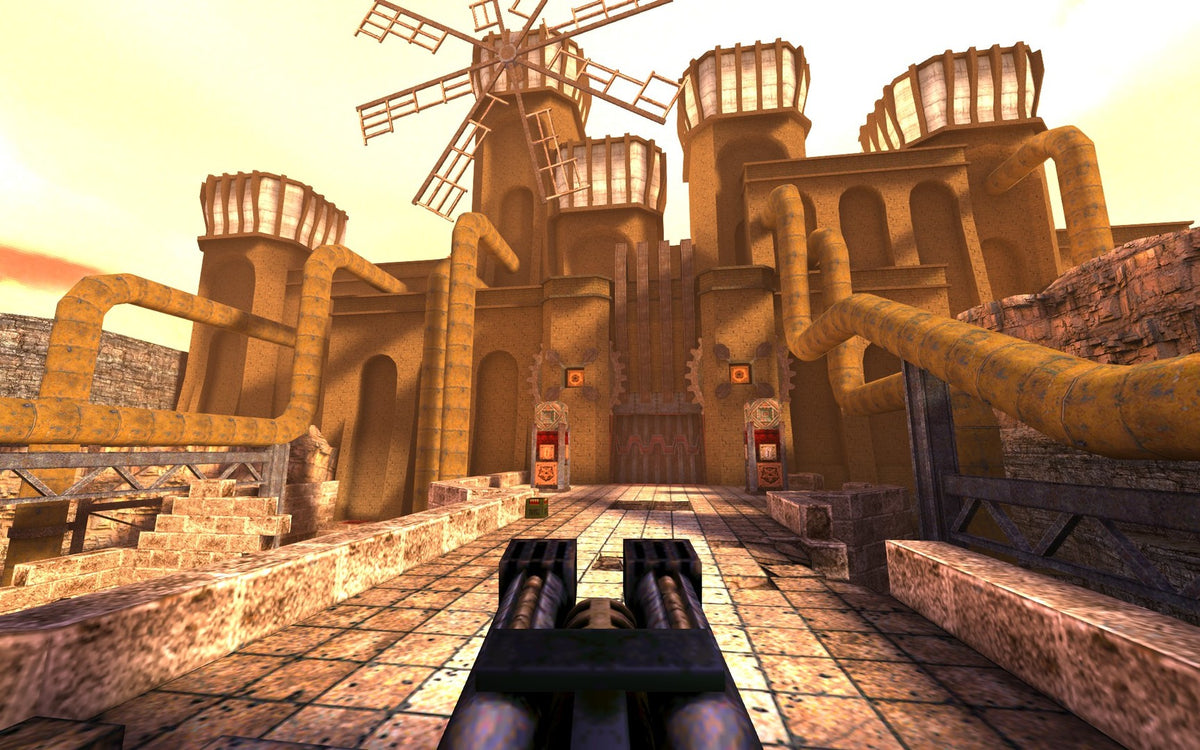
Quake can turn an evening with friends into a discussion about controllers before the first ogre has even noticed you. That is not a fault in the ogre. It is the difference between everyone sharing a screen and everyone joining from a separate machine.
The enhanced release of the original Quake supports both arrangements. Decide which evening you are organizing first, then check the edition, inputs and account requirements. The useful feature is being able to get a group into the same dark corridor without spending the whole night guessing what the host meant.
Start with the enhanced release
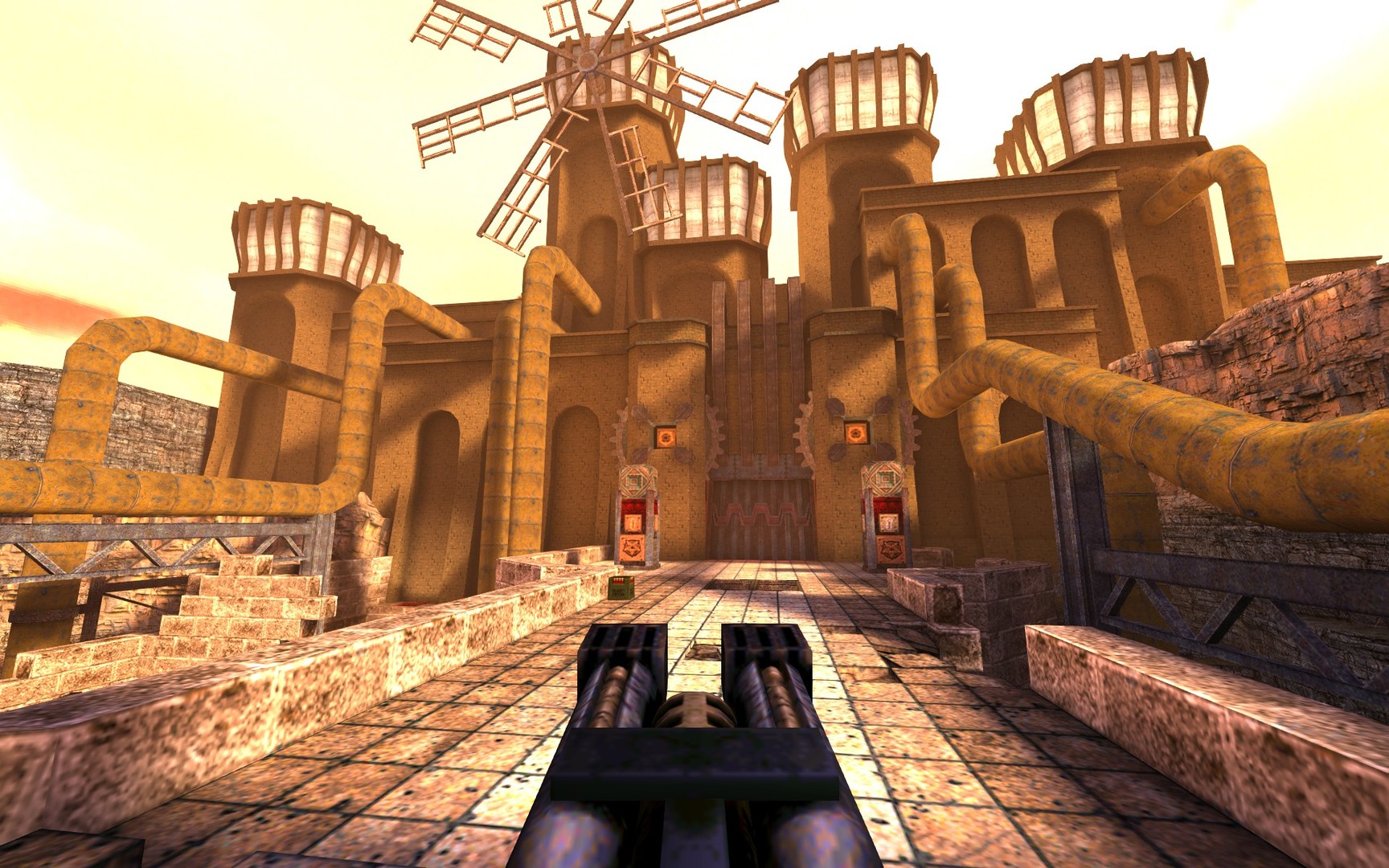
Bethesda’s release FAQ identifies four-player local split-screen in both campaign co-op and deathmatch. Its current PC description also lists four-player online co-op and competitive matches with up to eight players online.
Those figures belong to the enhanced Quake package. They should not be casually applied to any old executable, a different Quake game or a community source port. For a group following this guide, agree that everyone is using the enhanced edition before troubleshooting the connection.
For a first session, we would choose a straightforward campaign start and let everybody learn the movement and weapon handling together. The purpose is to make the group’s first fight easy to reach, rather than requiring one player to explain several unrelated versions before anyone can fire a shotgun.
On one PC, prepare the inputs first
The official FAQ says PC split-screen can mix keyboard-and-mouse with controllers. Check that the game detects the controllers you intend to use before starting the session.
Check the setup at the menu while everyone is still available to help. Make sure each person can identify their view and control their own player before committing to a longer run. A controller existing somewhere near the sofa is a promising start, but not the same as it being ready in the game.
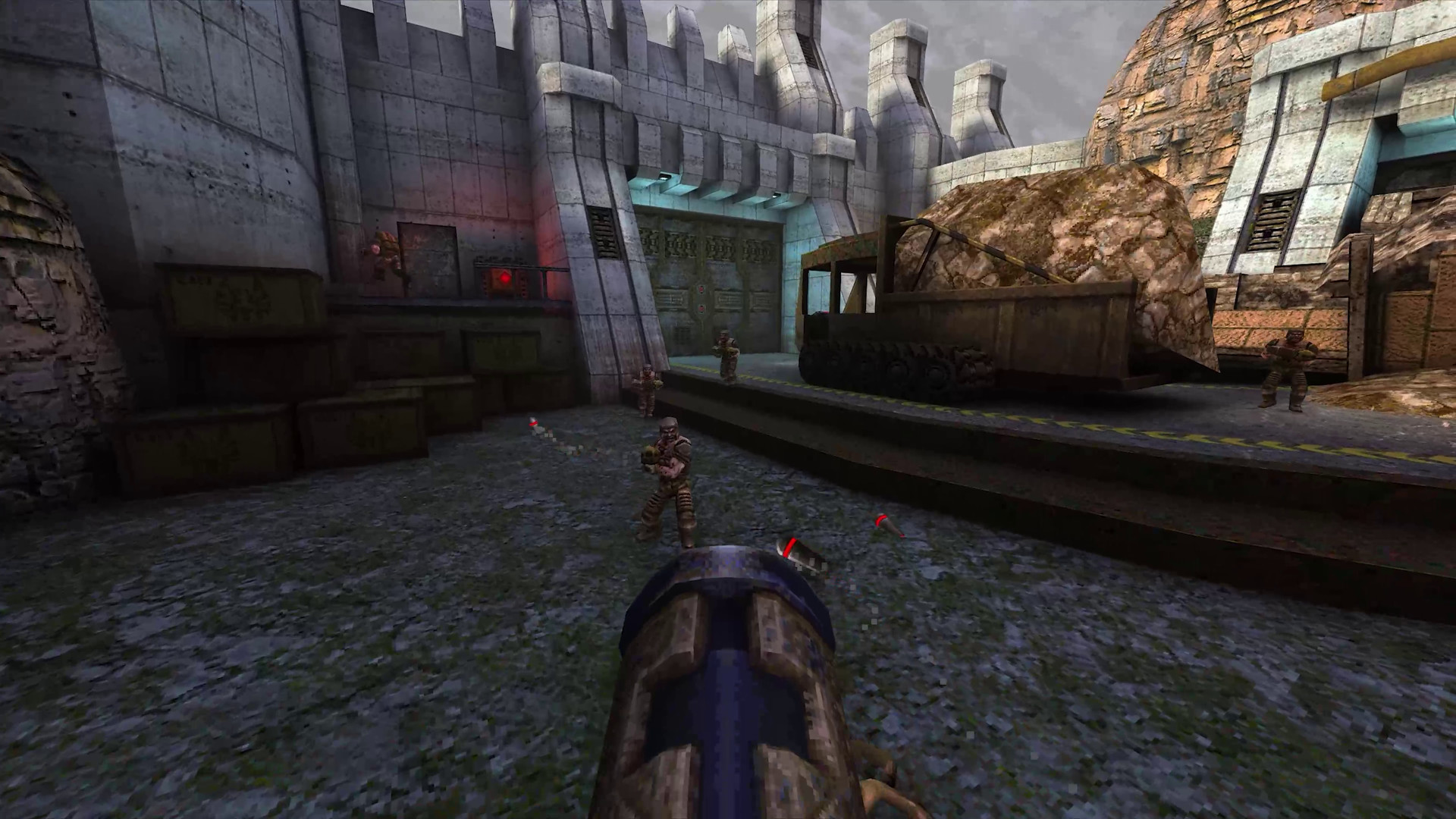
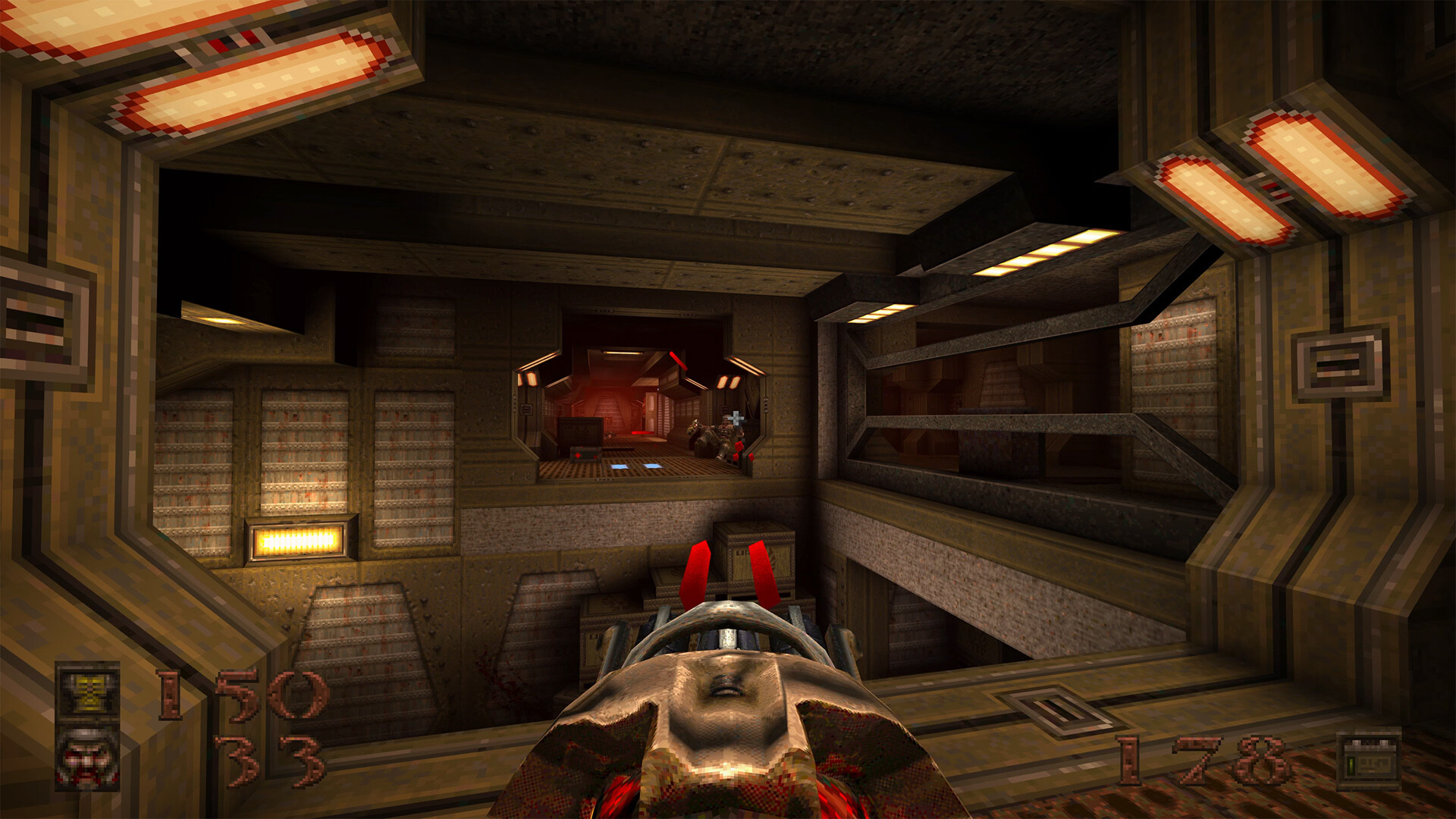
The split view changes how you read space. Doors, ledges and enemies occupy a smaller portion of the display. Give the group a moment to settle into that picture before turning the first room into a contest to see who can rush furthest ahead.
Across platforms, use the lobby’s room code
For online friends, Bethesda documents a four-letter room-code system visible in the pre-game lobby. Friends can use that code through the multiplayer menu. The FAQ also flags that cross-play can be disabled at a platform’s system level.
If somebody cannot join, check the basic arrangement together: the right game, the intended lobby and whether cross-play is enabled where needed. Changing hosts repeatedly while nobody checks those details can produce a lot of activity without making the situation clearer.
Bethesda.net account access is required for online multiplayer in the official FAQ. Treat that as preparation to complete before the group’s agreed start time. Current platform terms still govern online console play; a historical launch page is not a subscription entitlement.
Co-op and deathmatch ask for different habits
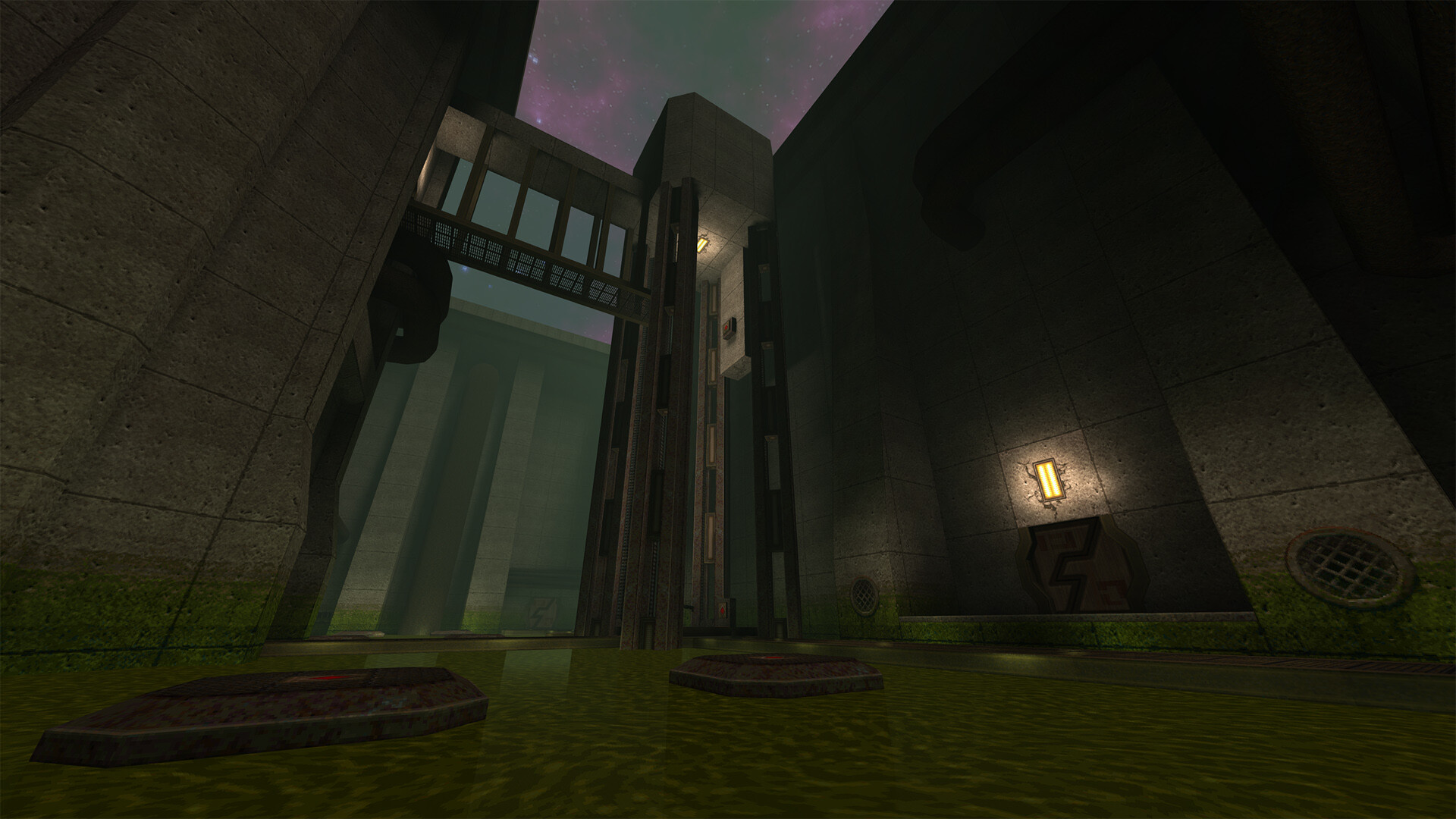
Campaign co-op puts the group on the same side of Quake’s dark-fantasy journey. Deathmatch puts players against one another, and the enhanced-release FAQ also identifies AI bots for that competitive mode.
Our suggestion is to say which one you are hosting rather than simply announcing “multiplayer.” A friend expecting a cooperative level and a friend expecting an arena match may both have installed the correct game and still arrived for different evenings.
For co-op, agree on a basic pace: whether the group wants to explore, learn the route or move briskly through familiar levels. For deathmatch, choose the map and rules deliberately. The menu options are useful because they let a small group choose its own kind of trouble.

Make the old interface comfortable to read
Quake’s post-release accessibility work includes high-contrast interface backgrounds, an alternate typeface, screen-flash intensity and message-duration settings. Update 4.1 improved the initial accessibility setup so players could customize those options more clearly.
Those are worth checking if the first thing you notice is the interface fighting for attention. This is separate from changing the campaign’s identity. You can enjoy the rough-edged architecture while preferring text you can read comfortably.
Once the setup works, keep the rest simple. Start the selected mode, give the slowest-to-load player a chance to arrive and let the group discover the level together. The room code and controller checks have done their job when the conversation finally turns to what is making that noise behind the next door.
Find your next game at Zypher
Browse Zypher’s current game selection for your next adventure. If your shelf needs room, check our trading and selling information before sending games in.


