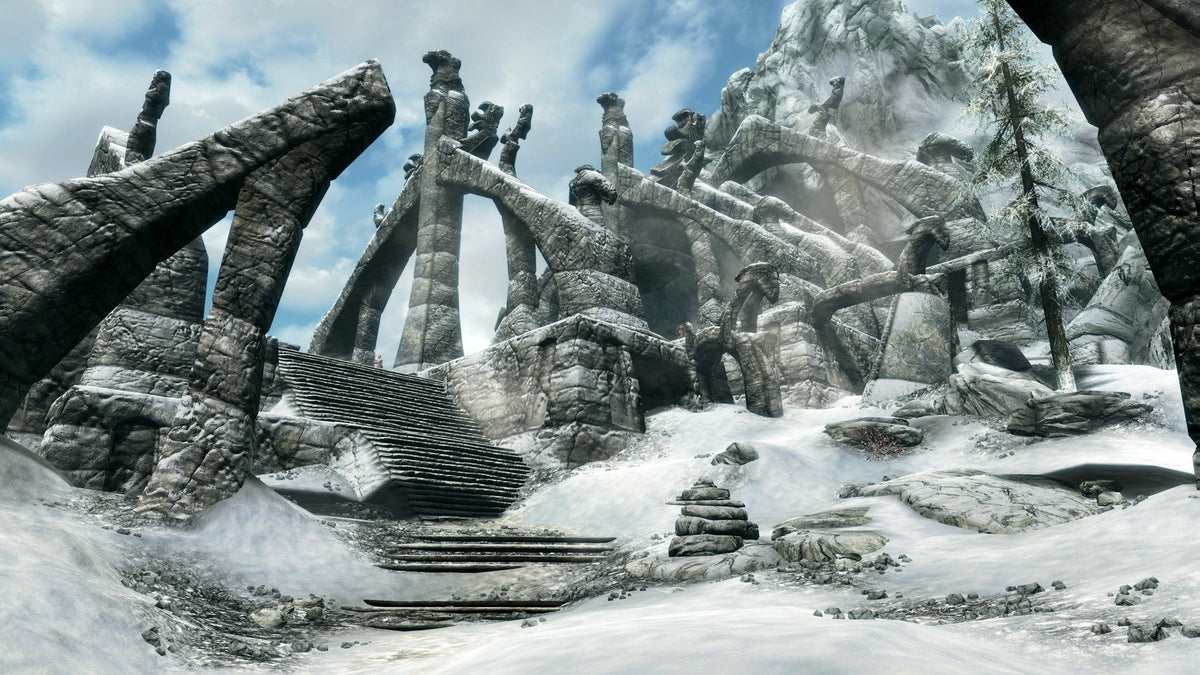
A glowing Word Wall feels like the reward at the end of a Skyrim dungeon. Then you open the menu, select the new shout and discover that knowing a word is only part of the job.
In The Elder Scrolls V: Skyrim Special Edition, it helps to separate finding a word, unlocking it and actually speaking the version you intended. Each step answers a different problem. Check the Magic menu before heading out for another dungeon: the next useful step depends on which part is missing.

A discovered word still needs an unlock
The manual describes the normal loop clearly: learn individual words at Word Walls, then spend dragon souls to unlock those words. Slaying dragons provides the souls. Exploring for words and acquiring the resource to use them are connected activities, rather than the same reward.
That is why another dungeon is not always the next useful step. If you already know the word you want, look at its status in the Magic menu before setting off. A newly discovered word does not need to be rediscovered. It needs the appropriate unlock.
Think of your next outing in terms of the missing part. You might want a new word, a soul for a word already found, or simply a chance to practice a shout you already possess. Naming that goal makes a wandering afternoon easier to steer without turning Skyrim into a strict checklist.

Knowing more words changes the input
Holding the shout control longer uses more words of the equipped shout, according to the manual. A brief press and a longer hold are therefore different choices. Learning additional words is not the same as automatically speaking the fullest version every time.
Try the control somewhere with room to observe the result. Read the equipped shout's description, use the version you intend and watch what happens. If the result seems weaker or shorter than expected, check the unlocked words and your input before deciding that the game ignored you.
The manual's keyboard example uses Z, but check your own bindings on your platform. A remembered PC key or a control diagram for another console is a poor substitute for the control the game is actually displaying.

Your equipped power can explain a surprise
The manual allows one power or shout to be equipped at a time. That shared selection is easy to overlook when you have spent time browsing spells, powers and shouts in one session.
If the wrong action happens, inspect the active selection. Repeatedly pressing the same button will not turn a selected power into the shout you meant to use. This is especially useful after changing several things in the menu: confirm the final selection, then return to the world.
A useful practice routine is to pick one newly unlocked shout and leave it equipped for a short outing. You can learn its behavior without also trying to remember which of several recent menu changes is currently active. Switch deliberately when the next situation calls for something else.

Watch the recharge before building a plan around it
After a shout, there is a waiting period before another. Bethesda's manual identifies the flashing compass as the recharge indicator. Once that flashing ends, shouting becomes available again.
Make the next movement fit that interval. If your plan depends on another shout immediately, check the display before moving into a position that needs it. A useful ability can still be the wrong immediate answer when it is unavailable.
Practice also gives you a clearer sense of timing than frantic button presses. Use a shout, watch the feedback and continue with your other available actions. The point is to work it into the encounter, rather than stand still waiting for a favorite tool to return.

A dragon summon needs room as well as words
Summon Durnehviir is a useful concrete example. Bethesda Support says all three words must be unlocked and spoken, with the shout aimed at the ground in a space large enough for the dragon. A tap that speaks fewer words can explain a failed attempt.
Check those conditions separately: unlocked words, a sufficiently long input, ground targeting and room for the summon. Repeating the attempt in the same cramped spot changes none of them. Move to a more open location if space is the issue.
The lesson applies to troubleshooting more broadly. Start with the requirements the game gives you. A power can have the right name in the menu and still need a particular use case in the world.

Revisiting a lair is not a reliable soul plan
Bethesda's support note says a dragon that respawns at an already-cleared dragon lair does not provide another soul. It directs players to find new dragons instead. If you are trying to unlock a specific word, repeatedly revisiting that same lair can waste the journey.
Before leaving town, check what you already have. Choose the word you want to unlock, confirm whether a soul is missing and plan an outing that can address that gap. The mountain views can still be the point of the trip; they just do not have to conceal why the shout remains locked.
Choose the right Skyrim copy
Zypher's Skyrim Special Edition listing is for Xbox One. Check the selected copy's condition and included contents before ordering. The images here show the PC Special Edition, rather than the original 2011 presentation. You can also browse Zypher's game shelves or start with our trading and selling information if you are clearing space.
Sources and image credits
- Bethesda Skyrim Legendary Edition PC manual, Magic Menu section
- Bethesda Support: Summon Durnehviir requirements
- Bethesda Support: respawning lair dragons and souls
Images: store.steampowered.com. Full source proportions retained. Used with permission from Microsoft.