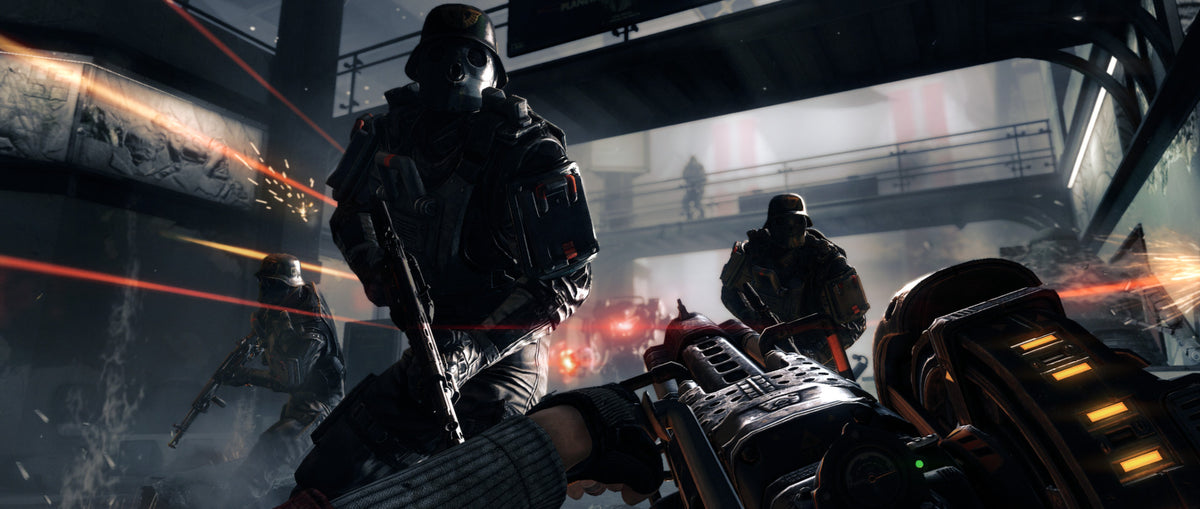
A perk in Wolfenstein: The New Order is a reason to notice how you fight. Silent takedowns, careful shooting, dual wielding and explosives feed different parts of the game’s progression. If you only notice an unlock after it happens, you are missing a useful nudge toward trying another approach.
MachineGames’ alternate-history shooter can be loud, but its systems give you reasons to pause before opening fire. A commander might still be able to raise an alarm. A perk requirement might call for a specific action. Your health might be temporarily overcharged rather than permanently improved. Here is how to read those distinctions during a campaign run.

Start with the four perk categories
The manual divides perks into Stealth, Tactical, Assault and Demolition. Stealth supports silent play; Tactical emphasizes smaller and medium weapons; Assault focuses on dual wielding and heavy weapons; Demolition concerns explosives. These are play-style incentives, not four different campaigns you must permanently choose between.
Open the Journal and inspect the requirement for a perk that interests you. Then choose a situation where working toward it also makes sense for the encounter. A useful challenge supports the current fight; it should not turn an otherwise manageable room into a disaster because you insisted on forcing the wrong action.
For a first run, follow curiosity rather than a completion spreadsheet. If you enjoy a particular approach, inspect its category. If you want to learn a different one, choose a small goal for an appropriate section. Progression becomes a way to experiment with the arsenal instead of another menu to ignore.

A commander changes the cost of being spotted
Commanders can call reinforcements when they detect you. Taking one out undetected prevents that alarm call. The Scout perk adds nearby-commander information through the “Signal Detected” and “Broadcasting Alarm” HUD elements, according to the manual.
That makes reconnaissance valuable even if you are not trying to remain silent throughout the game. Before turning the whole room into a firefight, look for the enemy who can change its scale. The first target is a tactical choice, not merely the first person the crosshair happens to pass over.
Once an alarm is active, recognize that the situation has changed. Continuing the same quiet-entry plan after detection is less useful than reassessing your position and the immediate threat. The point of reading the HUD is to act on the information, rather than treating an alarm message as decorative background noise.
A convincing kill may not satisfy a perk
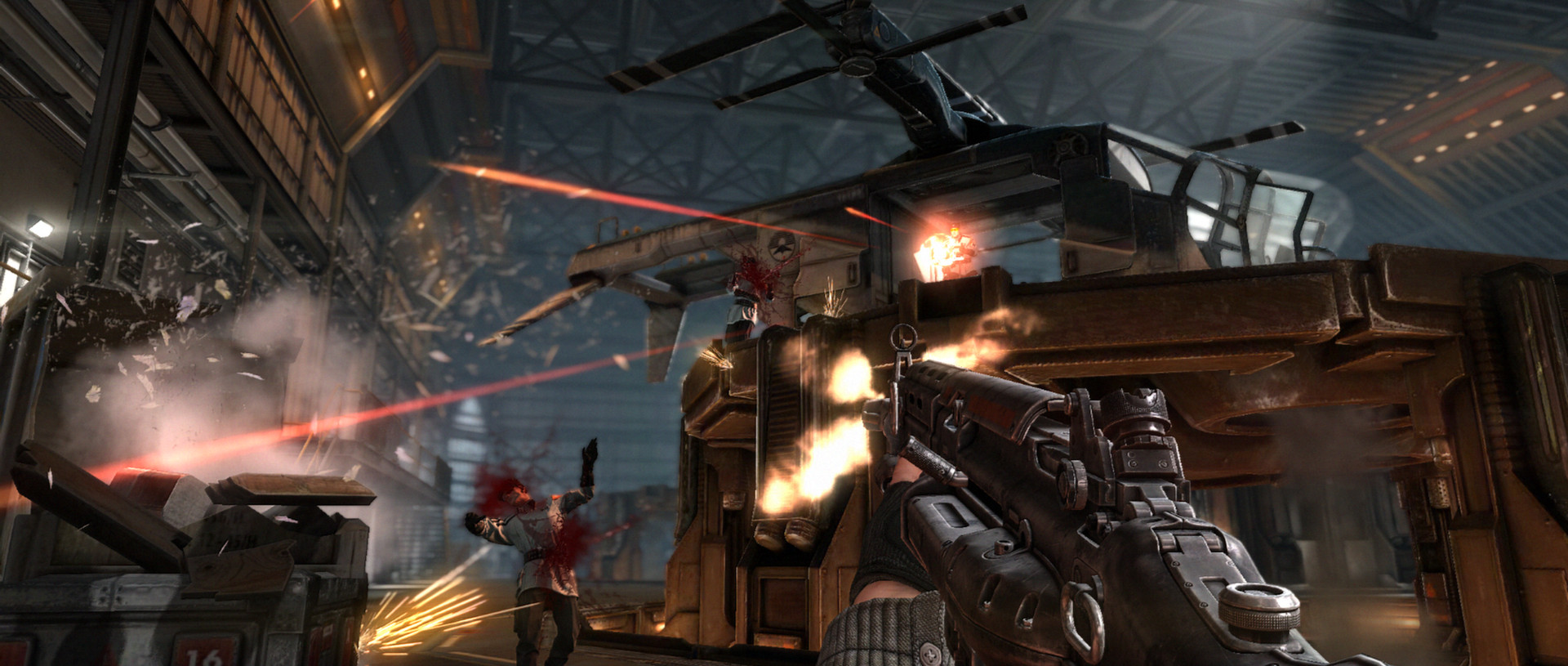
Bethesda’s support notes list specific exceptions. Headshots on Kampfhunds do not count for headshot-based perks such as Deadeye. Enemies who bleed out after being shot in the feet do not count toward perks. Marksman rifle alternate-fire kills do not count for Quick Reload.
Those details matter when you are deliberately chasing an unlock. If a counter is not moving, stop repeating the same experiment and reread the requirement. The game can recognize a defeated enemy without counting that defeat for the particular challenge you had in mind.
The practical lesson is to diagnose the missing progress. Check the enemy type and the action used before assuming the whole save is broken. When a documented exception matches your situation, choosing a different qualifying encounter is more productive than replaying the same frustrating attempt.
Health overcharge is a temporary opportunity
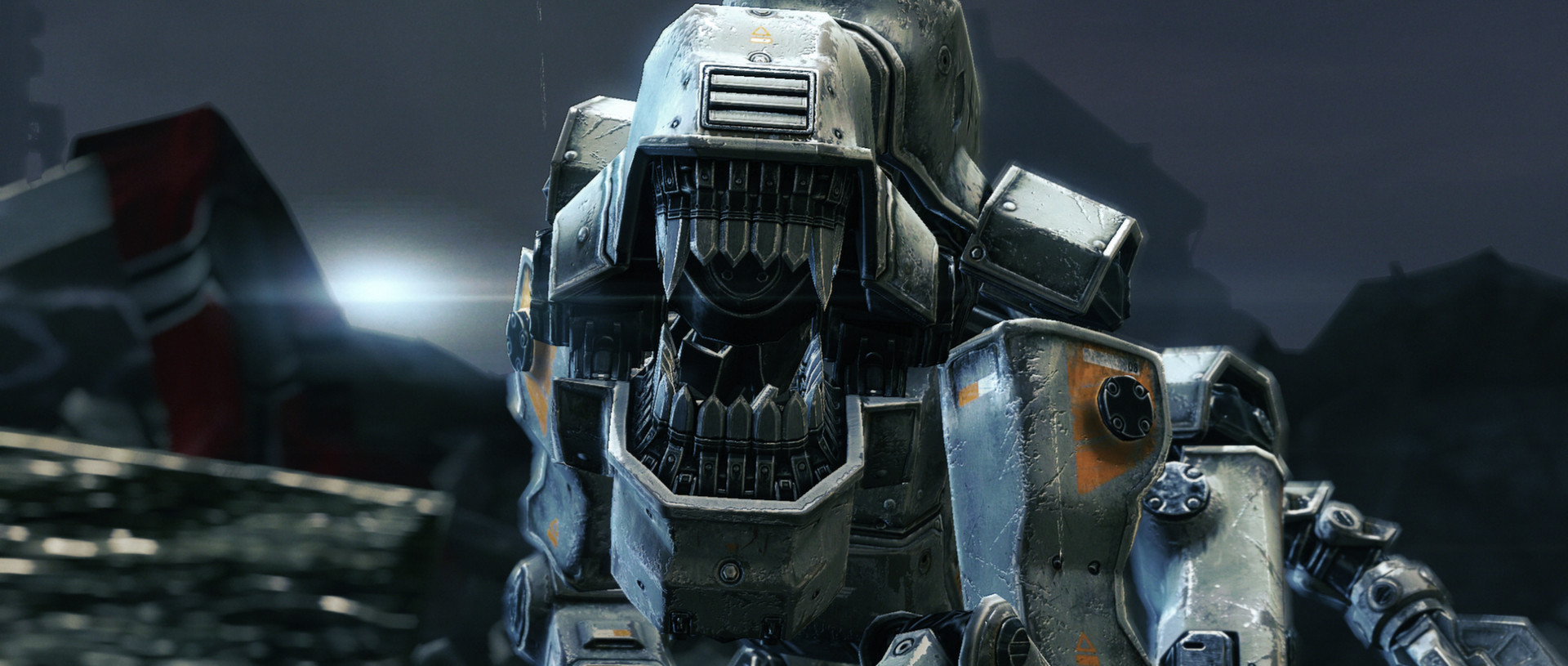
The manual allows health pickups to take your health temporarily above its maximum. It also describes automatic recovery to the next increment of 20 after damage. Neither statement means you can ignore pickups and expect unrestricted regeneration to full health.
Read the number as a current resource. An overcharge can make a brief aggressive move more attractive, but it is not a permanent upgrade to the character. A low-health pause and a supply search answer different problems.
That creates a useful rhythm between preparation and commitment. Before pushing into the next dangerous space, look at health, armor and ammunition together. A perk goal is easier to pursue when the rest of the loadout can support the attempt.

Check the save before a fresh start
Bethesda distinguishes the profile save from the progress save: chapter progress and unlocked perks belong to the progress save. Its separate New Game support note warns that starting a new game overwrites chapter progress and unlocked perks.
If you only want to revisit a completed section, inspect the Chapters option before treating New Game as a harmless restart button. Make the choice intentionally, especially if the purpose is finishing a particular perk rather than beginning the campaign again.
The satisfying part of this progression system is the link between an action and a capability you can use later. Read the requirement, choose a suitable encounter, and watch the result. It gives the campaign room for stealth and controlled tactics alongside its much less subtle arguments.

Find your next game at Zypher
Check The New Order for Xbox One for the selected copy’s condition. The captions distinguish official PC stills from the two Xbox One gameplay shots. Other Wolfenstein titles have their own progression systems. Browse Zypher’s current games, or start with our trading and selling page to make room for your next pick.


