ZYPHER XP | COLLECTOR CARE
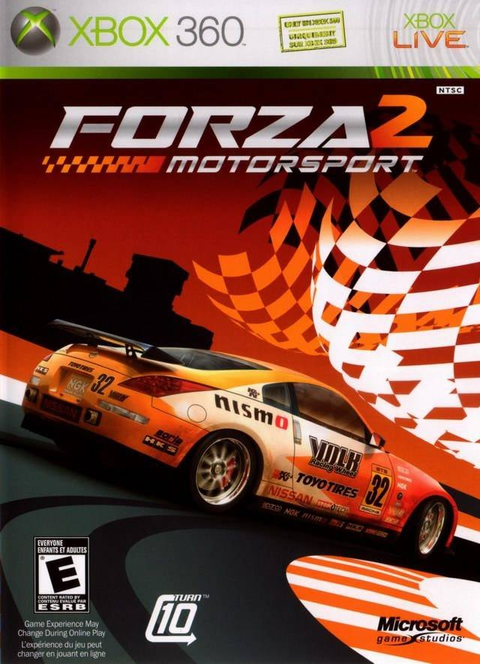
The race is over. Forza Motorsport 2 on Xbox 360 comes out of the drive, and the empty case is somewhere under the controller. That little gap between playing and putting things away is where a tidy collection starts becoming a pile of unidentified discs.
A useful storage routine should take less effort than choosing your next car. Give each disc a home, keep the edition information with it, and pick a shelf that follows the console maker's instructions. Here is how to apply that to an Xbox 360 Forza shelf without turning ordinary game care into a restoration project.
Choose the storage spot before sorting the stack
Microsoft's Xbox 360 S manual gives a short set of disc-storage rules: put unused discs back in their containers, keep them away from direct sunshine and heat, and do not leave them on the console. Handle them at the edges.
Check the shelf you actually use for afternoon sun and nearby heaters. Move any discs sitting on top of the console into their containers. Deal with those storage problems before spending an hour alphabetizing. A beautifully ordered shelf beside a heat source still fails the useful part of the job.
Keep the current game's container within reach while you play. The return trip becomes one step instead of a search through another room. That is an organizational recommendation, not a special temperature or humidity specification: the manufacturer's instructions remain the baseline.
Keep the full edition name in your records
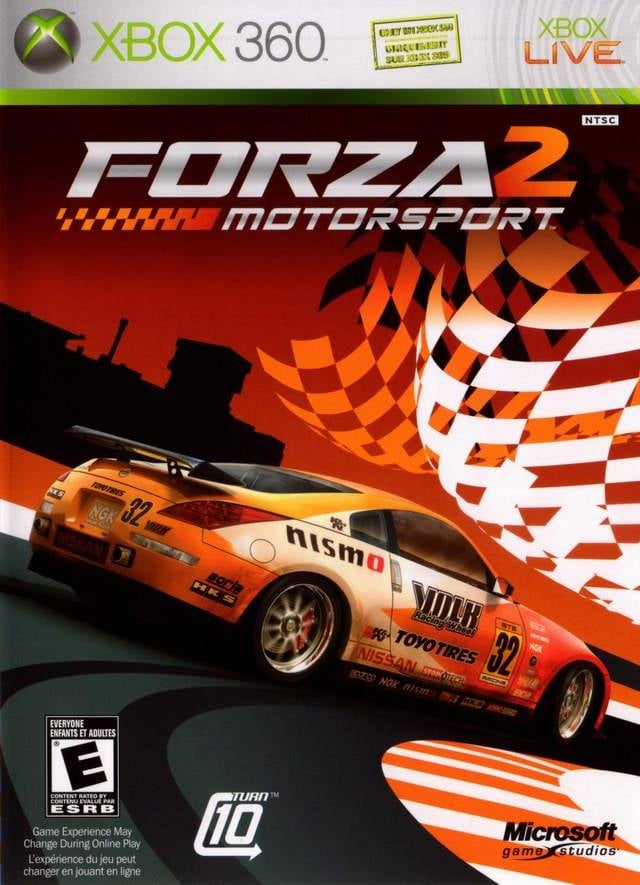
Forza Motorsport 2 and Forza Motorsport 2: The Complete Collection have separate packaging and separate Zypher listings. If both live on your shelf, a note that says only “Forza 2” is not doing much work.
Record the full title from the packaging, the platform, the edition wording and the contents you actually have. Keep that note in your collection inventory rather than guessing later from a familiar orange car. A front cover identifies the package being pictured; it does not prove which discs are inside your particular copy.

For each copy, list the disc labels you can read, any manual or inserts present, and whether the case is original, a replacement or unknown. Those are observations about your copy. Leave an uncertain item marked uncertain until you can check it. That leaves you with a record you can use when trading or replacing a copy.
Make returning the disc part of finishing the session
When a disc leaves the drive, return it to its own container instead of parking it on the console. Pick up the correct case before ejecting so there is no temporary pile to sort afterward. Use the edge handling specified in the manual.
If several people share the Xbox 360, agree on one simple rule: the disc goes back to the case it came from. A “currently playing” row of closed cases is easier to account for than an assortment of loose games. Keep the visible title facing the person who has to put it away.
For a disc-only purchase, record that status separately from any replacement case you provide. Giving it a container is practical storage; it does not turn the copy into an original complete package. That distinction matters if you later trade it or compare it with a collector's copy.
Do the same check when a different Forza takes over
Before switching to Forza Motorsport 4 on Xbox 360, finish putting the previous game away. Then identify the next copy by its full label, including any edition wording. This routine does not depend on memorizing which car appears on which cover.

If your copy has multiple discs, account for each labeled disc when putting the set away. Record what is present rather than using an empty tray or an installation already on a console as proof of completeness. This is a storage check for the copy in front of you, not a claim that every Forza edition has the same contents.
Clear the drive before moving the console
Microsoft also instructs Xbox 360 owners to remove discs before moving the console or changing its orientation. Put that check ahead of rearranging the entertainment center. The same manual warns against inserting a cracked disc because it can break inside the machine and damage or obstruct the drive.
If you notice a crack, stop using that disc. Do not make a quick boot test the next step. This guide covers handling and storage, so there is no polishing, solvent or repair procedure to attempt here.
Sources and image credits
Handling and storage instructions: Microsoft Xbox 360 S console manual, English pages 1 and 3. Collection-record and shelving routines are Zypher's practical recommendations. Sources, native listings and exact images checked November 11, 2026.
Featured image: complete Forza Motorsport 2 Xbox 360 front cover. Inline images: complete Forza Motorsport 2: The Complete Collection and Forza Motorsport 4 front covers from Zypher's catalog. Used with permission from Microsoft under its product box-shot guidelines. Images retain their full composition and proportions. Microsoft does not sponsor or endorse Zypher.