Finishing DOOM’s campaign does not have to mean putting its rooms away. Arcade Mode gives the 2016 game’s familiar spaces a different purpose: a score run built around the equipment you choose and the way you handle the fight.
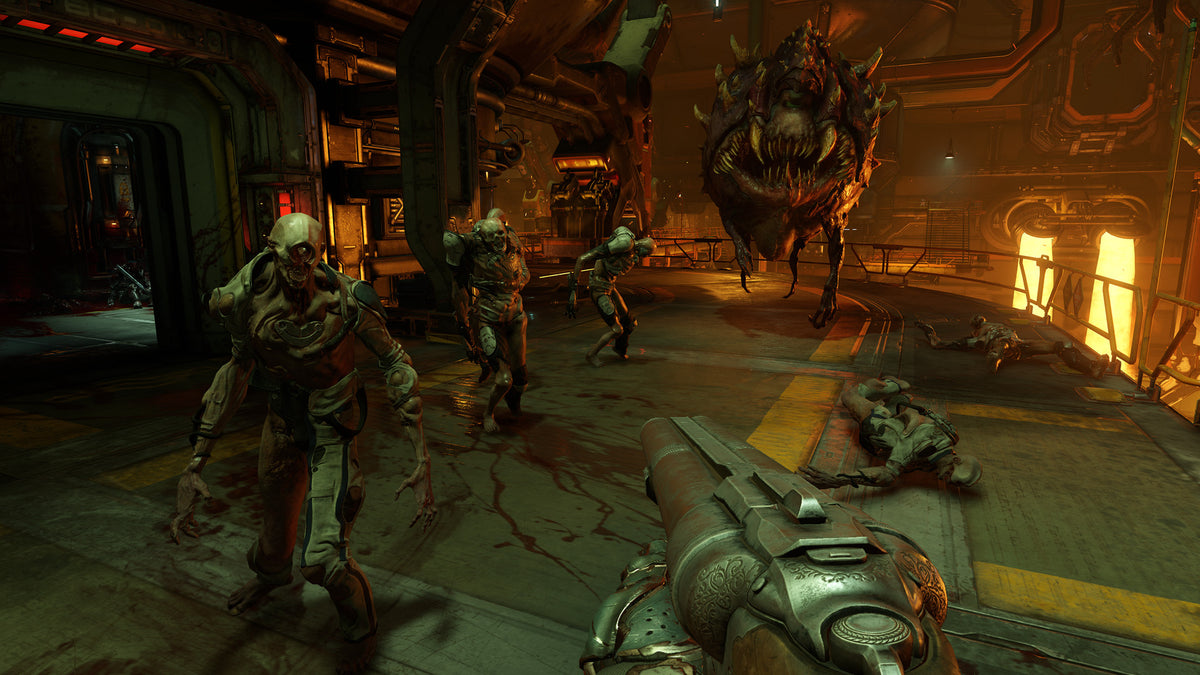
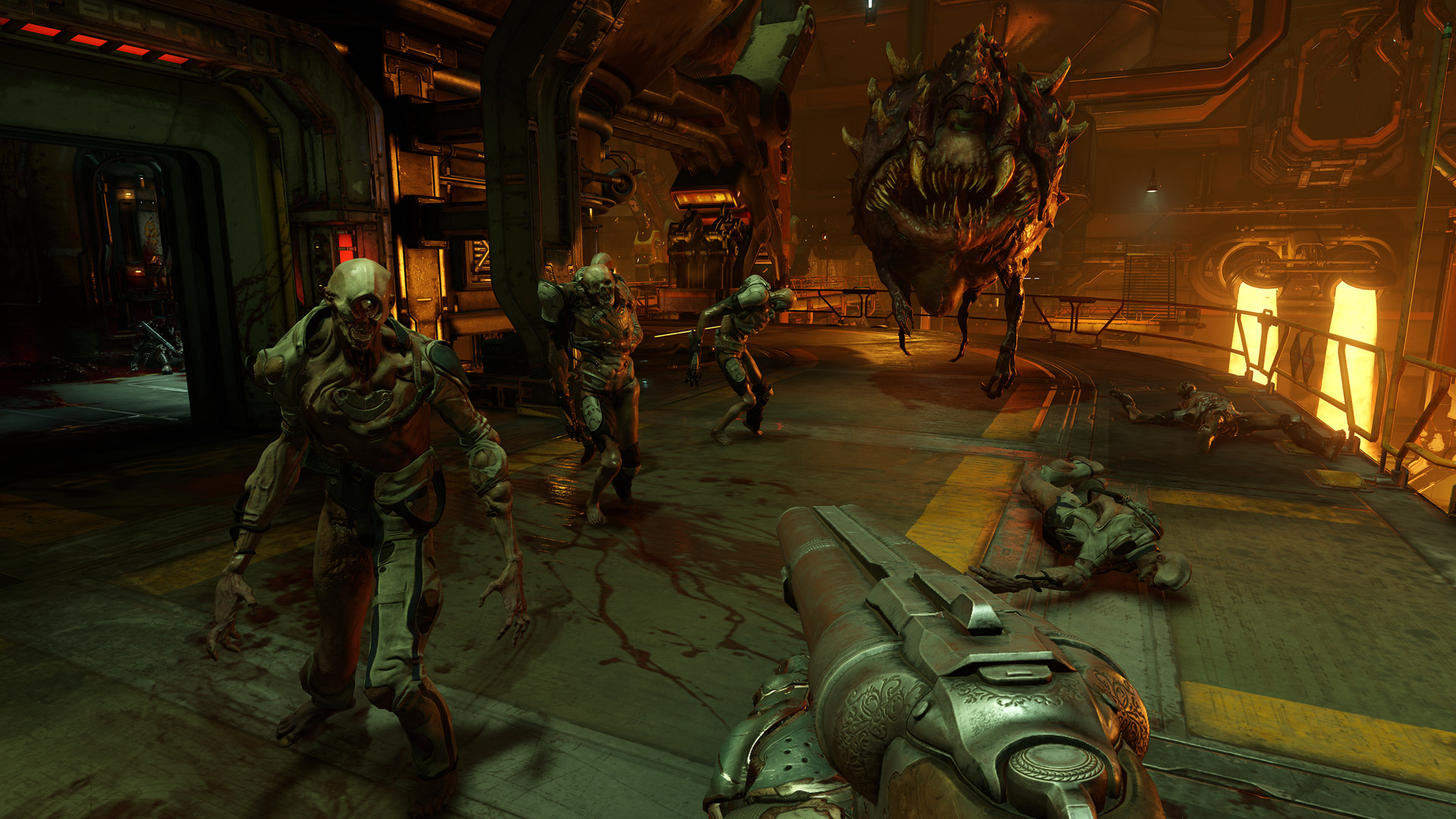
The attraction is immediate access to the combat sandbox. You can concentrate on a route and a loadout instead of treating the next upgrade as the reason to keep going. Here is what Bethesda’s Arcade Mode update actually changes, and how to approach a return visit with a useful goal. Images show the PC game’s campaign environments and combat, rather than claiming to display Arcade’s scoring interface.
Arcade changes the reason for replaying a level
Bethesda introduced Arcade Mode in Free Update 4 in October 2016. It reframes the campaign levels as score challenges, with guns, Runes and equipment upgrades unlocked. You can configure your gear before a run rather than progressing through the original unlock order.
That makes it an appealing return mode for someone who already enjoys the shooting. The goal is to execute a better run through a space, not merely reach the next story beat. Your equipment choice becomes part of the attempt from the beginning.
For a first campaign playthrough, discovering the arsenal has its own appeal. For a replay, immediate access lets you investigate a combination without rebuilding a campaign save around it. Choose the mode according to which experience you want that evening.

Plan movement as well as the next shot
The update announcement identifies quick attacks, avoiding enemy damage and collecting multipliers as parts of competing for a score. That gives movement a clear role beyond getting from one enemy to the next.
Before an attempt, inspect the arena as a route. Notice height changes, open floor and the passages connecting them. Decide where you want to move after the first exchange so that an enemy does not become the only thing directing your attention.
Our recommendation is to improve one section at a time. If you keep getting caught in the same place, consider how you entered it and where you planned to leave. A faster opening is less useful when it delivers you to the same awkward position a few seconds sooner.

Use the unlocked kit to test a specific idea
With the gear available before the run, you can choose a combination and judge it against a repeatable situation. The useful experiment has a clear question: does this choice help with the part of the level that currently slows you down?
The original PC manual separates firing a weapon, activating its mod and switching the selected mod. It also provides direct weapon selection and a held weapon wheel. Check those actions before blaming the loadout for an awkward exchange. Selecting a tool and using its alternate function are different inputs.
If you change the equipment for a second attempt, keep the route recognizable enough to compare. Otherwise, a better score can leave you uncertain whether the kit helped or whether you simply handled the room better. Either result can be satisfying, but understanding the difference helps with the next attempt.

Check the difficulty when returning to an old save
Bethesda Support documents an Arcade issue in which the difficulty can revert to Hurt Me Plenty, especially when using existing saves. Its advice is to set the difficulty manually again.
This is a useful check when an old installation behaves differently from what you expected. Look at the actual setting before interpreting the run. The support page is a documented issue and workaround, not proof that every current installation will experience it.
When comparing your own attempts, keep the chosen difficulty consistent. That gives the result a meaning you can use. A score from an unplanned setting is still a run you completed, but it may not answer the question you thought you were testing.

Treat a strange score display as something to investigate
A separate support note describes incorrect Arcade scores appearing after death during play across multiple levels. Bethesda’s suggested correction is to leave for the Arcade main menu and restart the level.
If the numbers look wrong in that situation, try the documented correction before rebuilding your entire theory of scoring around one unusual display. Keep an observation separate from a conclusion about how the system works.
For a satisfying return session, choose a level, select the kit, confirm the difficulty and pick one part of the run to improve. Arcade gives DOOM’s familiar rooms another useful assignment. You already know you can get through them; now you can explore how cleanly you want to do it.
Shop games and make room for the next one
Browse Zypher’s current game shelves for your next physical game. If you are clearing space, see our trading and selling information.


