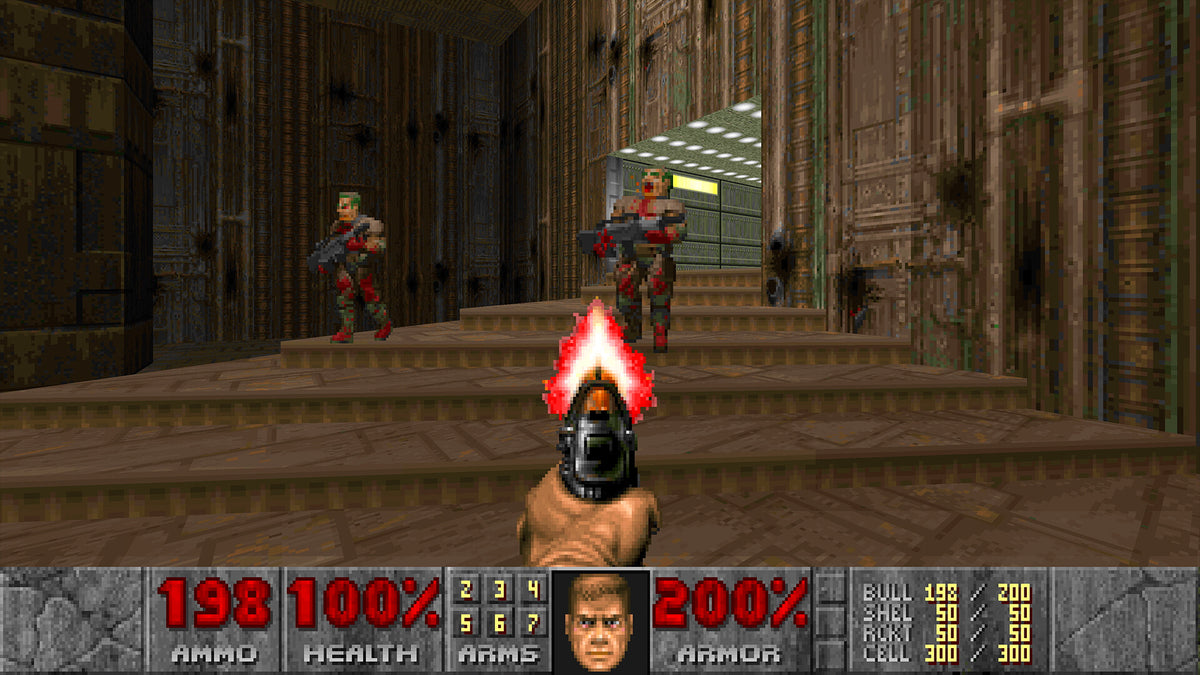
The campaign menu in DOOM + DOOM II can give a returning player more decisions than the first corridor. The combined release gathers the original games, several later campaigns and Legacy of Rust, then puts community content alongside them.
A good first step is to decide what you actually came back to play. Revisit the original DOOM, continue the 1994 sequel, try an expansion you missed or start the newer Legacy of Rust. Those are different evenings, even though the status-bar face is familiar.
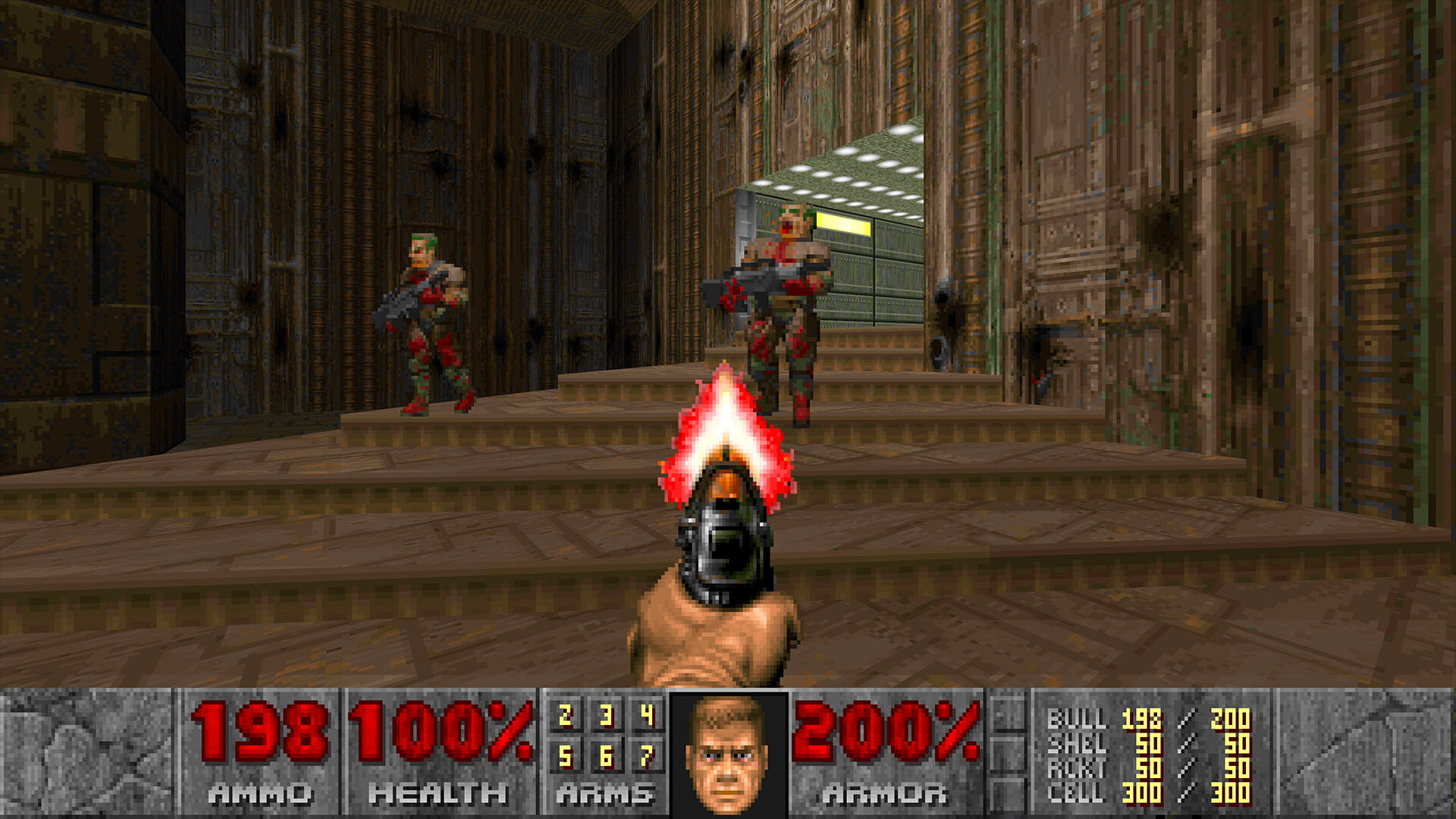
Read the campaign names as separate starting points
The official release notes list DOOM, DOOM II, Master Levels for DOOM II, TNT: Evilution, The Plutonia Experiment, No Rest for the Living, SIGIL and Legacy of Rust. This is a collection with several paths through classic-style combat.
If you remember a particular campaign, select that title deliberately. A room that feels unfamiliar may be unfamiliar because you have started different content. Before changing a setting or assuming the level was rebuilt, check which campaign the menu has launched.
For a returning player, our recommendation is to begin with the thing you can name. Once you have a familiar reference point for movement, weapons and the feel of an encounter, the collection’s other entries become easier to compare on their own terms.
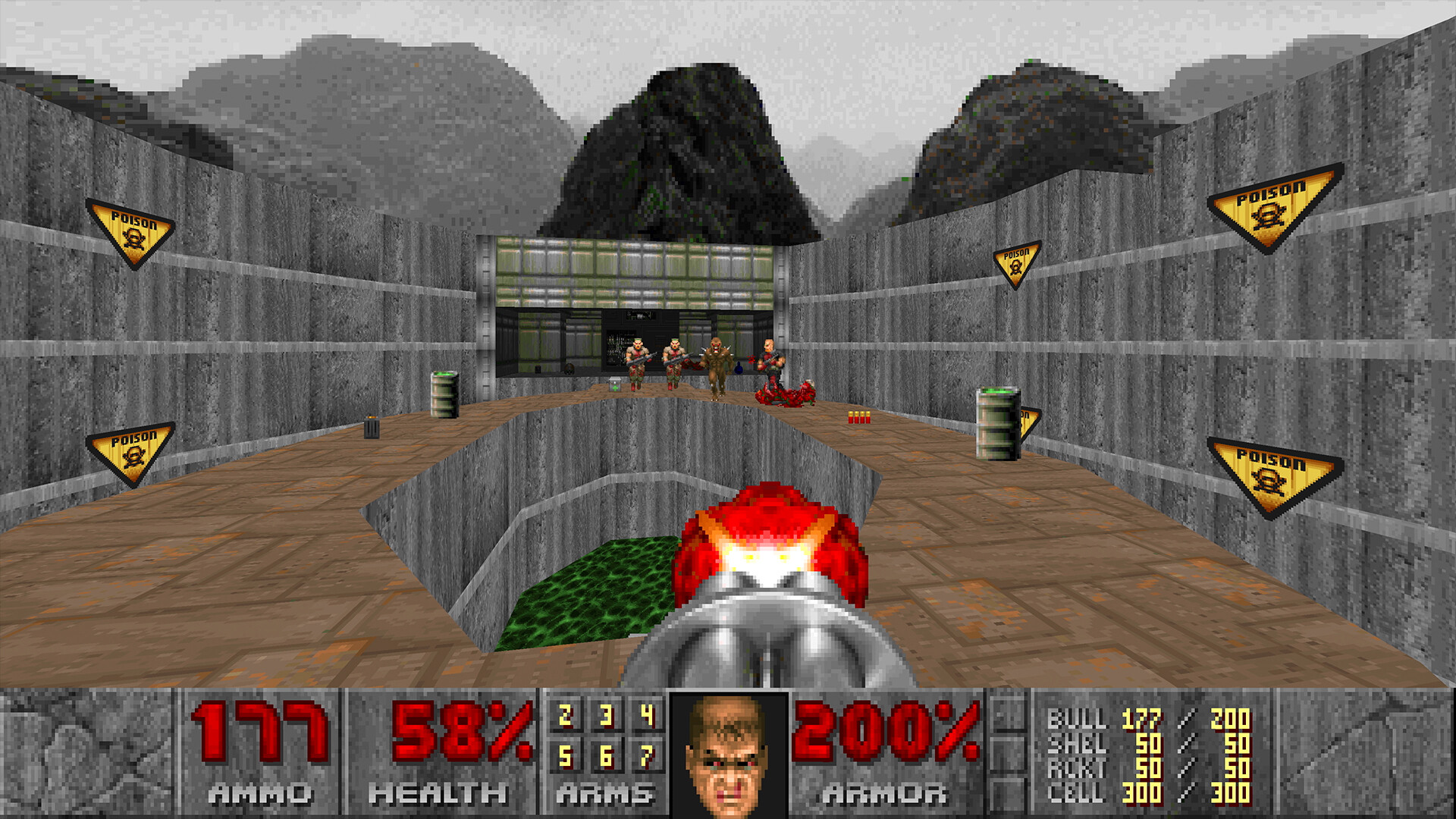
Legacy of Rust is more than another label for DOOM II
Bethesda’s official game page describes Legacy of Rust as a collaboration among people from id Software, Nightdive Studios and MachineGames, with new demons and weapons. It contains sixteen maps split between The Vulcan Abyss and Counterfeit Eden, eight maps each.
That gives it a clear reason to exist in the same menu as the older games. You can bring experience with classic DOOM movement and combat while encountering unfamiliar tools and threats. Recognition gets you started; observation still has a job.
When something behaves differently, give the new element a moment of attention. Look at how the weapon’s effect travels or how an enemy approaches. Treat the episode as a new set of encounters built within a familiar language, rather than expecting every response from a remembered DOOM II room to transfer unchanged.
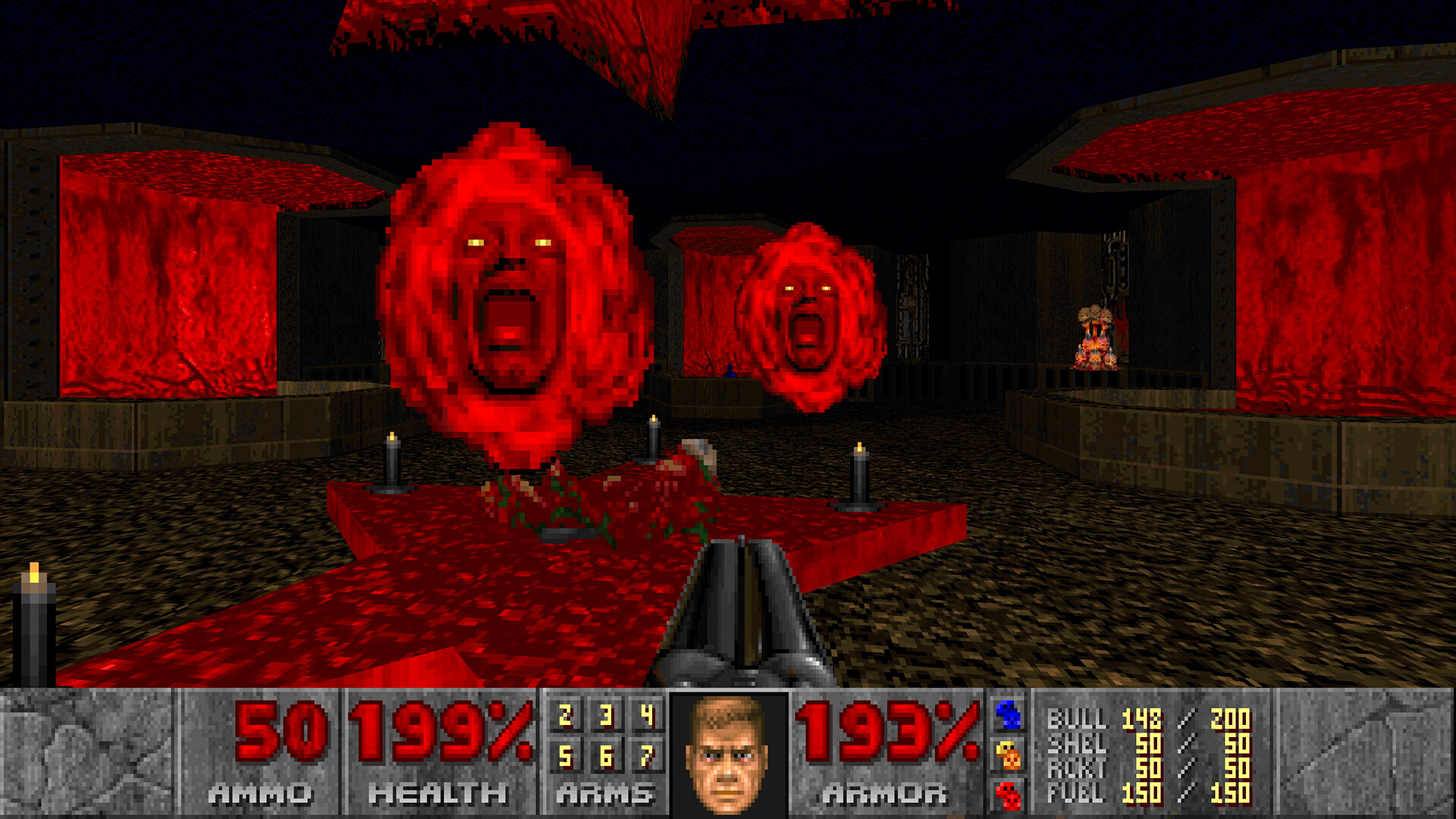
A save belongs to the version that created it
The release FAQ states that saves from the original versions are not compatible with the enhanced combined version. It also explains routes for eligible PC owners to access older versions, which differ by storefront.
So preserve the old installation and save files before making a change. If you are in the middle of a campaign, identify which version is running and keep a note beside the save. The shared game title is not enough information to establish compatibility.
Level Select can help you start a chosen campaign or map in the enhanced release, but it is a different action from importing a specific old save state. Decide whether your priority is continuing that precise run or beginning a new one in the later version. That distinction prevents a lot of unnecessary troubleshooting.
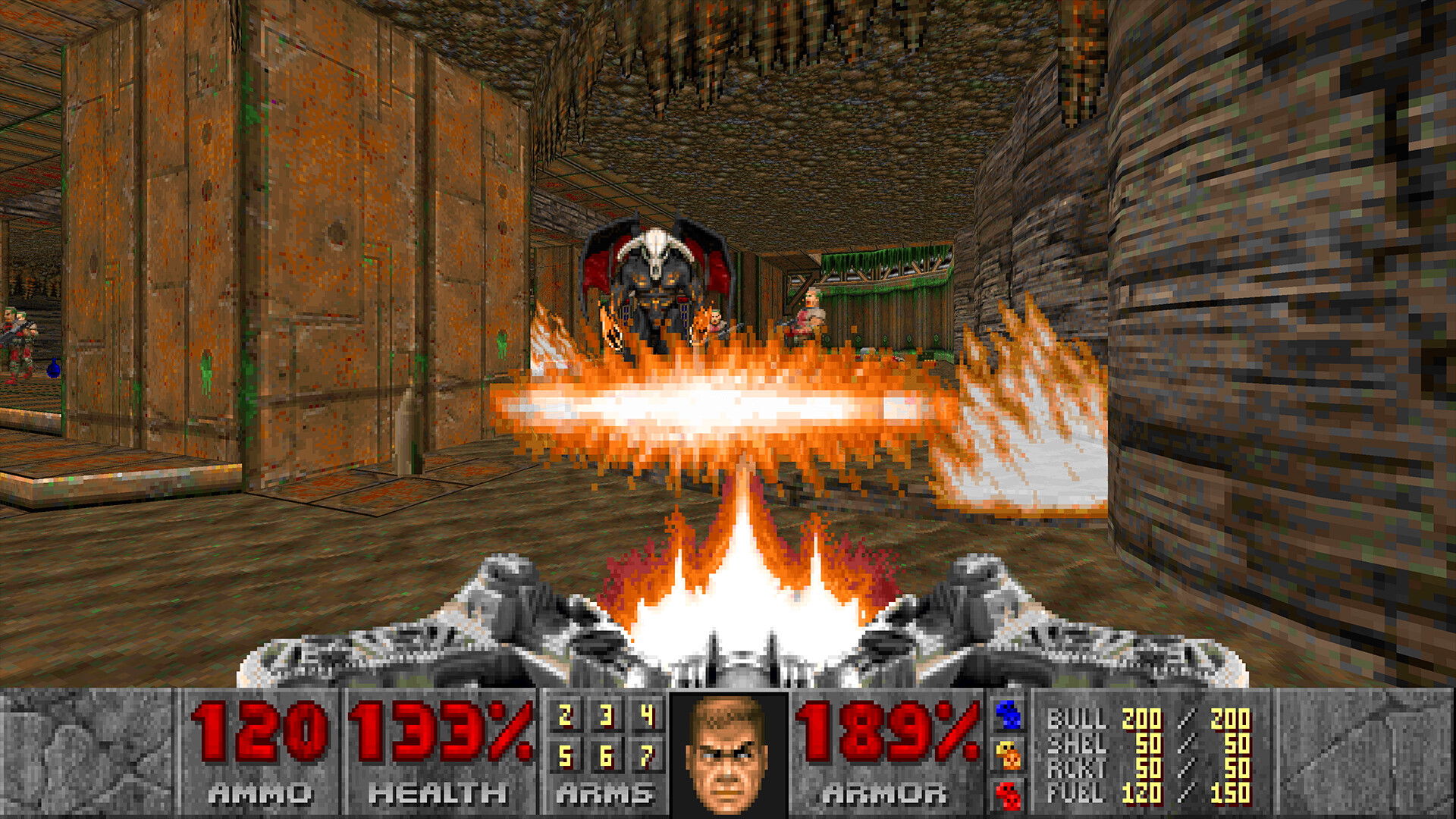
Keep the first comparison free of extra variables
Community content gives the collection another long-term attraction. The official product page describes an in-game browser, with its platform footnotes distinguishing the curated selection available on Nintendo Switch from broader support elsewhere.
Before browsing for a large new project, launch one of the included campaigns and confirm that the basic setup suits you. Check the controls, presentation and sound in a known part of the package. Then add another piece of content because you want to play it.
This order is useful if a problem appears later. A working included campaign gives you a reference, while the new content gives you a specific change to examine. Introducing several downloads and settings adjustments at once makes it harder to tell which part produced the result.
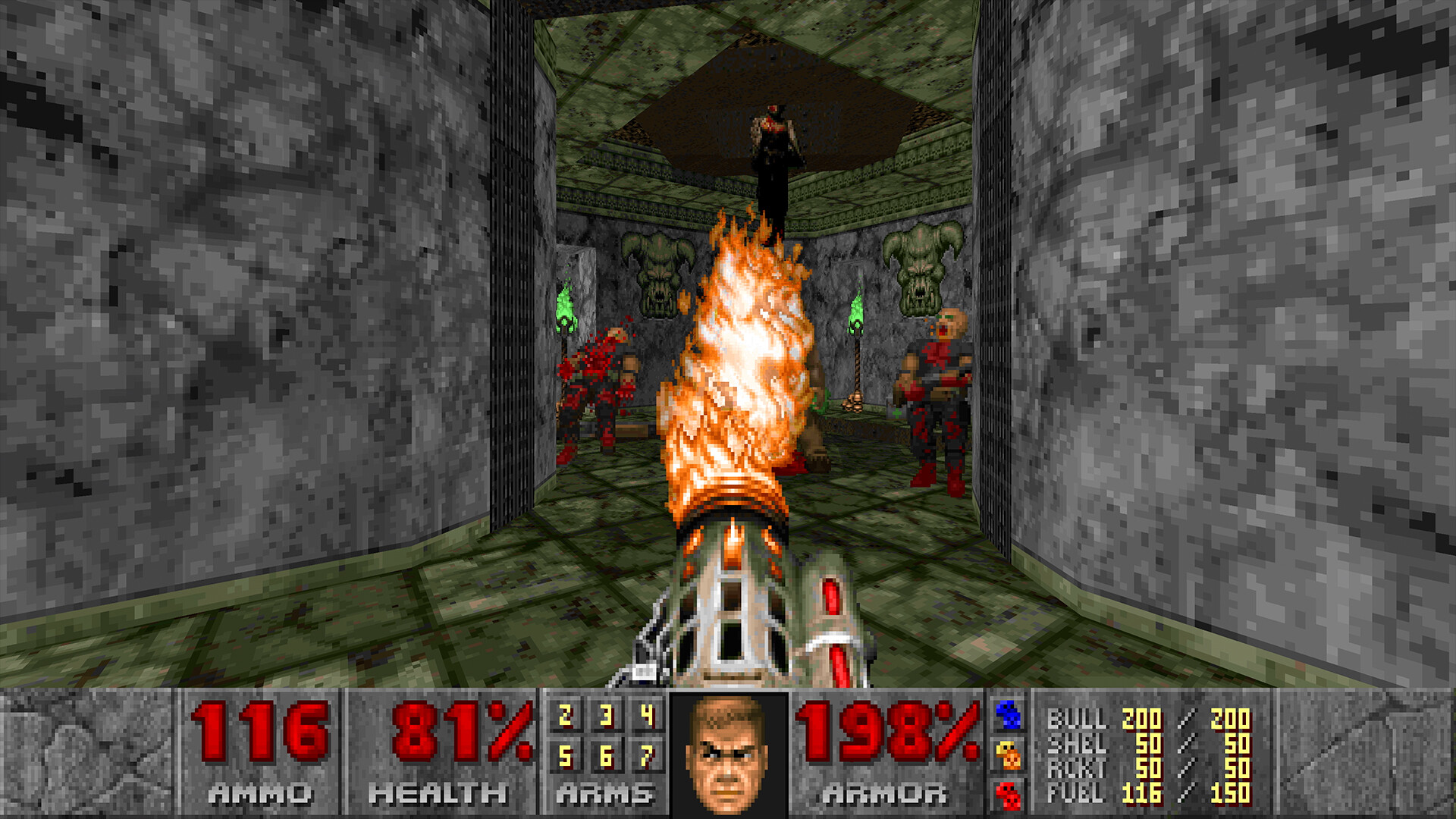
A soundtrack choice can change the mood of the return
The official game page offers the original MIDI soundtracks alongside Andrew Hulshult’s modern IDKFA versions, including new DOOM II recordings. That is a presentation choice you can make independently of which campaign you start.
Try the opening stretch with the music you remember, then compare the alternate version if you are curious. You may want the familiar sound for a particular revisit and a different arrangement for another run. Neither preference needs to determine what you think of the level design.
The useful habit is to keep the comparison recognizable. Listen during the same kind of action rather than deciding from an isolated menu moment. A soundtrack accompanies movement and combat, so give it a chance to work inside that rhythm.
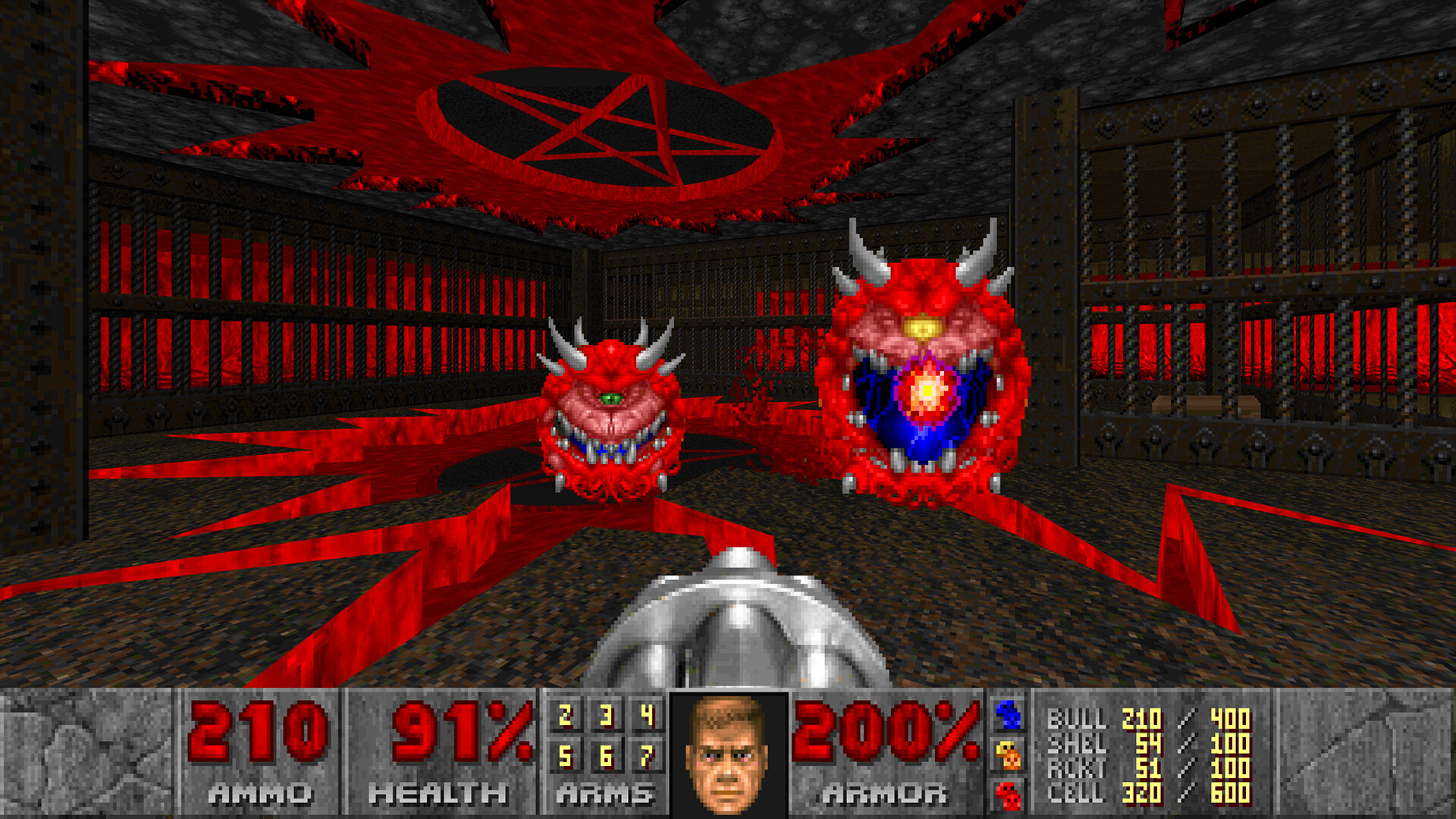
Choose the next map with a reason to play it
The collection’s variety is an invitation to be selective. You can return for a known episode, make time for Legacy of Rust or explore community work after the included campaigns have established your setup. There is no requirement to turn the menu into homework.
If your goal is a separate PC source-port setup, our source-port and game-data guide covers that different route. This article concerns the enhanced commercial DOOM + DOOM II release and its own campaign choices.
For your next session, leave yourself a short note with the campaign and version. It is a small convenience with a clear payoff: when you return, the interesting question can be what waits behind the next door, rather than which of several similarly named installs you were using.
Make room for the next game
Find your next play at Zypher Trading Video Games, or sell your old games to Zypher when your shelf needs room.
Sources: Official combined-release contents and save compatibility FAQ; Current official campaign, music and platform descriptions; Publisher’s PC edition and original imagery. Gameplay recommendations and design interpretation are Zypher editorial judgment. Screenshots retain their original proportions. Zypher is an independent retailer.


