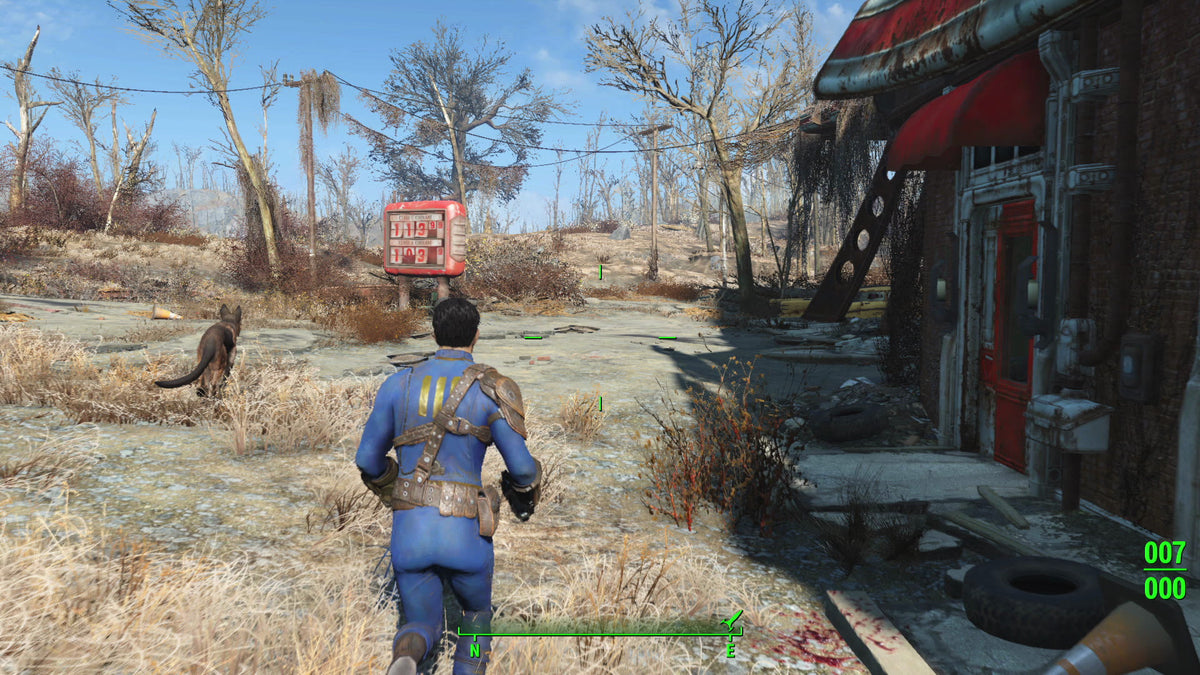
A settlement can contain rows of crops and still leave you wondering why the food situation is poor. In Fallout 4, placing an object and assigning someone to use it are separate parts of the job.
That distinction is the useful starting point for settlement management. Before expanding Sanctuary into a sprawling construction project, check whether the people already there are doing the work you intended. A smaller settlement with clear assignments is easier to understand than a larger one full of unanswered questions.
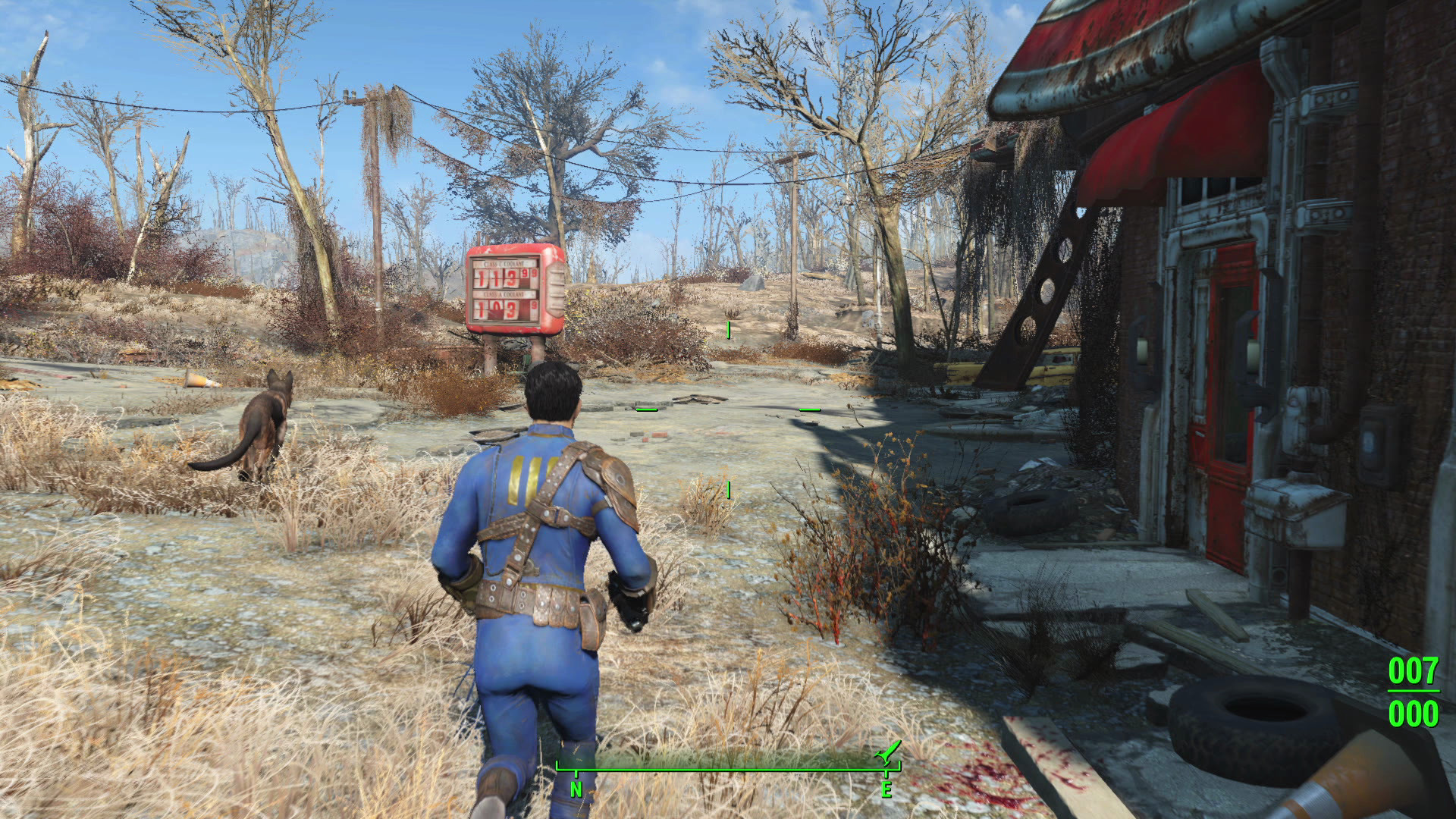
Command the settler, then assign the work
In Bill Lavoy’s original Shacknews walkthrough, the sequence is straightforward: enter Workshop mode in a settlement where you can build, target the settler, choose Command, then target the intended job and choose Assign. Use the prompts shown for your own platform and control layout.
That two-part sequence is worth slowing down for. Selecting a person is not the finished order. You still need to point them at the task. Watch for the confirmation rather than leaving the menu as soon as you have chosen the settler.
For a first check, use a job you can identify easily. Choose the intended crop or work object, complete the assignment and inspect the result. Establishing one clear working example gives you a reference for the next time an order appears not to have taken.

Read production, rather than counting planted objects
Prima’s official Fallout 4 guide explains that a single worker can support up to six Food through assigned crops. That capacity is a production measure, rather than a promise that any six plants are equivalent.
Use the Workshop’s resource display to judge the result. The important question is whether the settlement is producing the food it needs. A visually impressive garden is less useful information than a functioning assignment connected with the resource total.
When you add another section of crops, check staffing before adding yet more. This keeps construction attached to a purpose. You can still design a settlement you like looking at; you simply know which parts of the garden are supposed to feed people.

Check the assignment before chasing the animation
Lavoy’s guide also notes that a settler can appear to wander while an assignment still counts. Its suggested check is to return to Workshop mode and inspect the settler’s task icon. An Unassigned indicator gives you a more specific problem than merely seeing somebody away from the field.
That is a useful distinction between the simulation’s status and what a brief glance suggests. Do the status check first, then reassign if necessary. Repeatedly rebuilding the work object is a much bigger intervention when the issue may be a missing command.
Keep the diagnosis narrow. Is the person unassigned? Is the crop damaged? Is the resource shortfall somewhere else? Answering those individually makes the next action much clearer than deciding the entire settlement is broken.

Supply lines connect settlement needs
Prima’s guide identifies Local Leader rank one as the requirement for establishing supply lines. Settlers assigned to those lines become provisioners. Connected settlements can share food, water and building materials through the system.
Think of that as another job you are assigning to a person. If a settler becomes a provisioner, make the decision with the settlement’s other work in view. You are organizing a network as well as a collection of individual buildings.
A practical way to begin is to identify the two locations you want to connect and the problem the connection should solve. Then inspect the result before expanding the network. A line on the map is most useful when you know why you needed it.
A new workshop pack still needs materials and perks
Bethesda’s support pages for Wasteland Workshop and Contraptions Workshop make the same important point: access to the add-on does not supply the resources or unlock the construction perks required by particular items. Those requirements remain part of building.
If an intended object is unavailable, separate the checks. Confirm that the relevant content is installed, read its material requirements and inspect the necessary perk. Buying more content is not a useful first response to a resource shortage in content you already own.
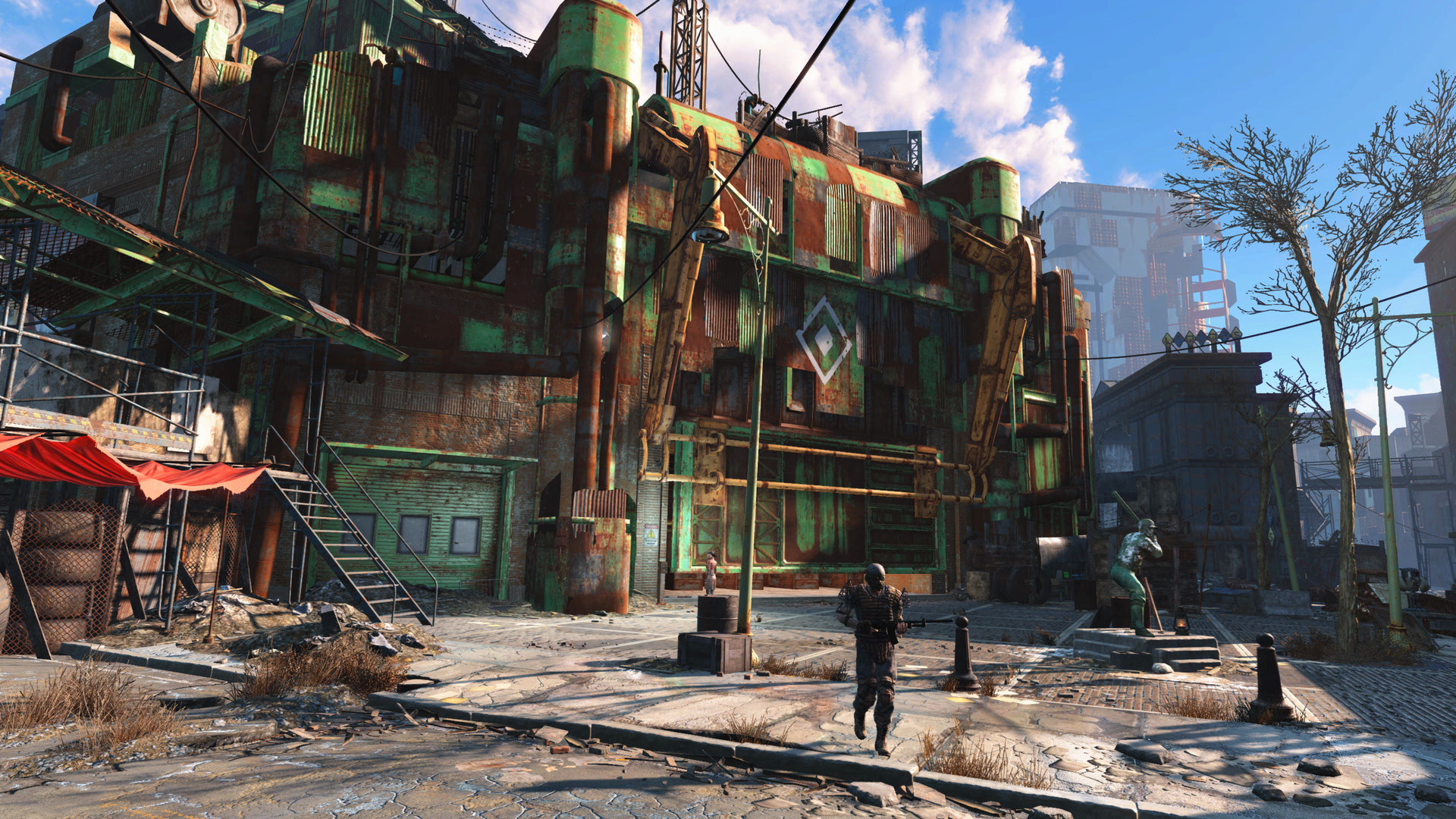
The screenshots here show the base PC game’s Commonwealth and its in-game building presentation. They are not being used as a catalog of either workshop expansion. The assignment principles are the focus, rather than the contents of a particular paid bundle.

Finish one useful change before starting another neighborhood
Pick a short settlement task for your next visit: staff the crops, inspect an assignment or establish a needed supply connection. Complete that task and check its status before you begin a new construction phase.
This gives the return trip a clear endpoint. You can leave knowing what improved and what still needs attention. It also leaves room for the rest of Fallout 4, instead of letting an ever-growing list of decorative ideas consume every outing.
If power armor is the next preparation job, our power armor guide covers frames, fitted parts and fusion cores separately. For the settlement itself, start with the people: inspect the assignment, connect it to the job and use the resource display to see what the change accomplished.
Make room for the next game
Check Zypher’s Fallout 4 for PlayStation 4 listing for its platform, condition and included contents. The screenshots above are identified by edition in their captions.
Find your next play at Zypher Trading Video Games, or sell your old games to Zypher when your shelf needs room.
Sources: Bill Lavoy’s original assignment walkthrough at Shacknews; Prima’s official Fallout 4 guide: managing settlements; Bethesda: Wasteland Workshop access and requirements; Bethesda: Contraptions Workshop access and requirements; Official PC game imagery. Gameplay recommendations and design interpretation are Zypher editorial judgment. Screenshots retain their original proportions. Zypher is an independent retailer.