
A long combo can make Killer Instinct look as though the interesting part is remembering enough motions to keep the opponent airborne. Then the opponent breaks it, and you discover that somebody else was still making decisions.
The modern Killer Instinct has a useful answer for players who want to reach that interaction sooner: Combo Assist. It simplifies certain cancel inputs while keeping the timing and the game’s combo, breaker and counter-breaker relationship intact. This guide concerns the Xbox One-era game and its PC version, rather than the original SNES or Game Boy releases.

The assist addresses a specific input problem
In the official introduction to Combo Assist, the developers described repeated motions during cancels as a barrier for newer players. Their solution was an optional way to perform those cancels without the same motion commands.
That is a precise job. It helps you continue an offensive sequence after making contact, which gives you a way to experience the combo structure before every repeated motion feels comfortable. It does not erase the distinction between getting a hit and deciding what to do with it.
For a first practice session, identify the moment you normally lose control of the sequence. If you can begin an attack but struggle to continue it, assisted cancels may let you concentrate on the next decision. If you cannot reach the opponent safely, you have found a different problem to work on.

Timing still belongs to the player
The developer explanation says Combo Assist preserves the timing and cancel windows. The current official How to Play page likewise stresses that its support does not replace the interaction among combos, combo breakers and counter breakers.
So, watch the rhythm of the sequence rather than judging only its length. Notice when one part becomes the next, and whether your next press arrives where you intended. The assist gives you fewer motions to manage; that can make the timing easier to notice.
A sensible exercise is to repeat a short sequence you can recognize. You are looking for control, not the highest possible hit counter. Once you can tell where it begins, continues and ends, you have something you can deliberately change.
Ordinary commands remain available
The current official guide confirms that standard special-move inputs and other commands can still be performed with Combo Assist active. The original developer post also describes standard controls taking priority when used.
That makes the setting useful for gradual learning. You can practice a familiar motion during an assisted session, then rely on the support for another part of the sequence that still feels awkward. There is no need to treat learning every command as a single switch you must flip all at once.
Try adding one manual input to a sequence you already understand. Compare what happens, then repeat until you can recognize the result reliably. The valuable change is the one you can reproduce while still watching the opponent.

Defense is not a spectator activity
Killer Instinct’s official introduction for new players highlights Combo Breakers as a way to escape an opponent’s combo with appropriate timing and execution. That is a central reason the game’s long offensive sequences remain interactive.
When you are defending, pay attention to the sequence instead of waiting for your turn to arrive by itself. When you are attacking, remember that the defender has a decision to make. The system makes recognizing an opponent’s habits part of the exchange.
Our recommendation is to practice both sides during the same session. Spend some time making a short combo readable to yourself, then spend time recognizing what the other player is doing. Learning only the offensive input sequence gives you half of the conversation.

Use practice to answer one question
The official Xbox manual points players toward Practice Mode for learning attacks and combos. The current publisher site also links a range of lessons, including openers, linkers, combo breakers, lockouts and enders.
Choose the lesson that matches what is confusing you now. If the terminology itself is unfamiliar, begin with the structure of a short combo. If the sequence makes sense but the opponent keeps interrupting it, move to the breaker interaction.
Keep the next question concrete. You might want to perform an intended ender consistently or recognize when the opponent has escaped the sequence. A focused question makes a few minutes of practice more useful than cycling through every option without remembering why you opened the menu.
Choose the control support that keeps you engaged
The current official How to Play page describes Combo Assist as tournament legal and customizable. That is useful reassurance for somebody worried that the setting is a disconnected tutorial version of the game.
Our advice is to use the amount of support that lets you think during the fight. If repeating a motion is consuming all your attention, simplifying that part can give positioning and the opponent’s decisions more room. If manual execution is part of what you enjoy, you can keep working on it.
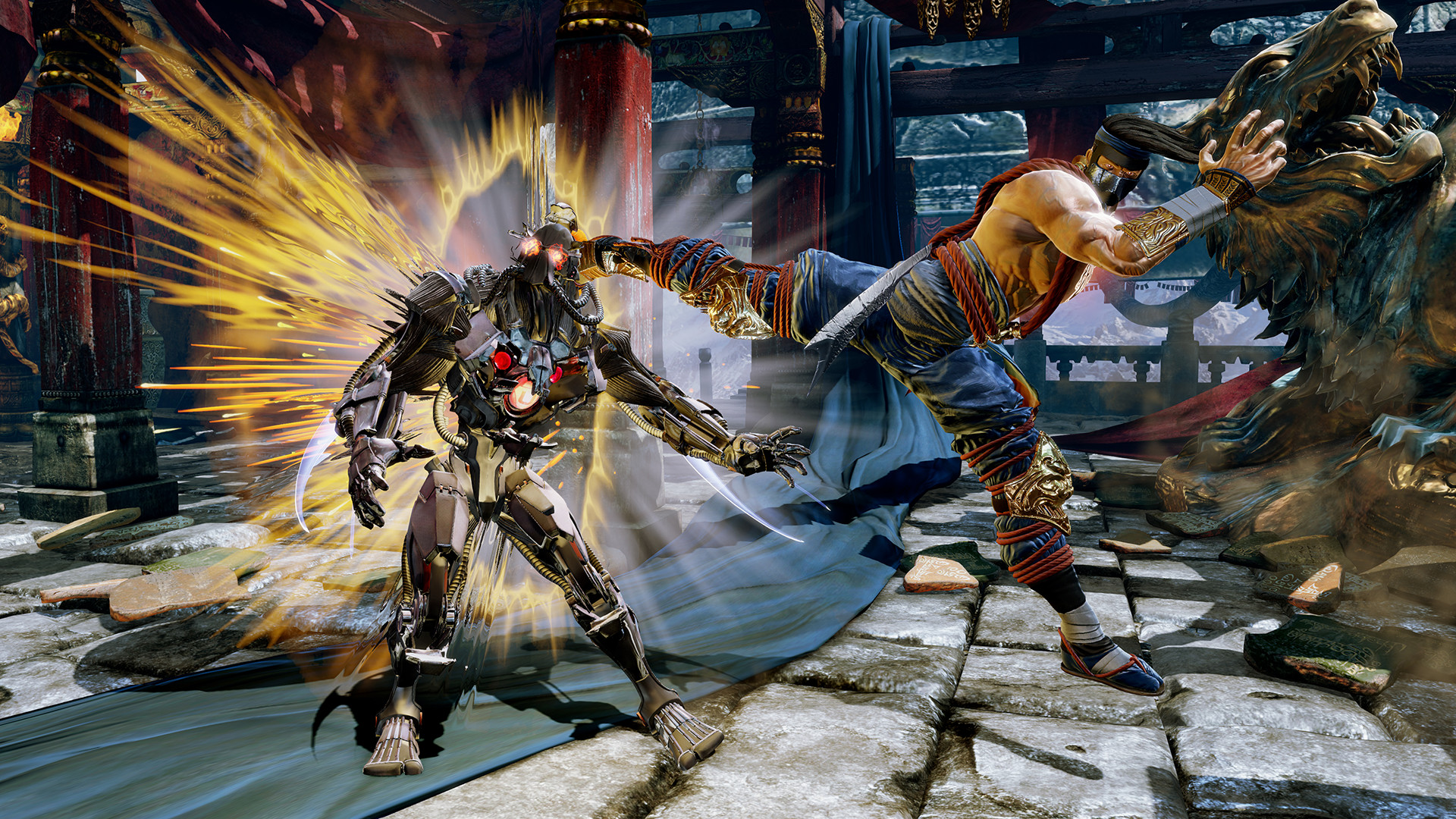
The screenshots are official PC in-game combat stills, rather than input diagrams or demonstrations of a particular assist setting. They show the modern game’s characters and arenas; use the linked official lessons when you want the detailed command sequence on screen.
Make room for the next game
Check Zypher’s Killer Instinct: Definitive Edition for Xbox One listing for its platform, condition and included contents. The screenshots above are identified by edition in their captions.
Find your next play at Zypher Trading Video Games, or sell your old games to Zypher when your shelf needs room.
Sources: Official current How to Play guide; Developer explanation of Combo Assist; Official Xbox manual; Official PC gallery. Gameplay recommendations and design interpretation are Zypher editorial judgment. Screenshots retain their original proportions. Zypher is an independent retailer.


