A Game Boy Advance SP does not need a cosmetic makeover every time it comes off the shelf. Sometimes it needs a fingerprint removed, a safer place in the bag and an owner who resists turning one stubborn mark into an afternoon with a screwdriver. Before the next trip into Castlevania: Circle of the Moon, give the handheld a little attention outside the castle.
This is a routine care guide for the SP's exterior, screen and everyday handling. It follows Nintendo's handheld cleaning guidance and original Game Boy precautions. It does not cover opening the shell, repairing a hinge, restoring paint or treating cartridge contacts. Those are separate jobs with separate risks.
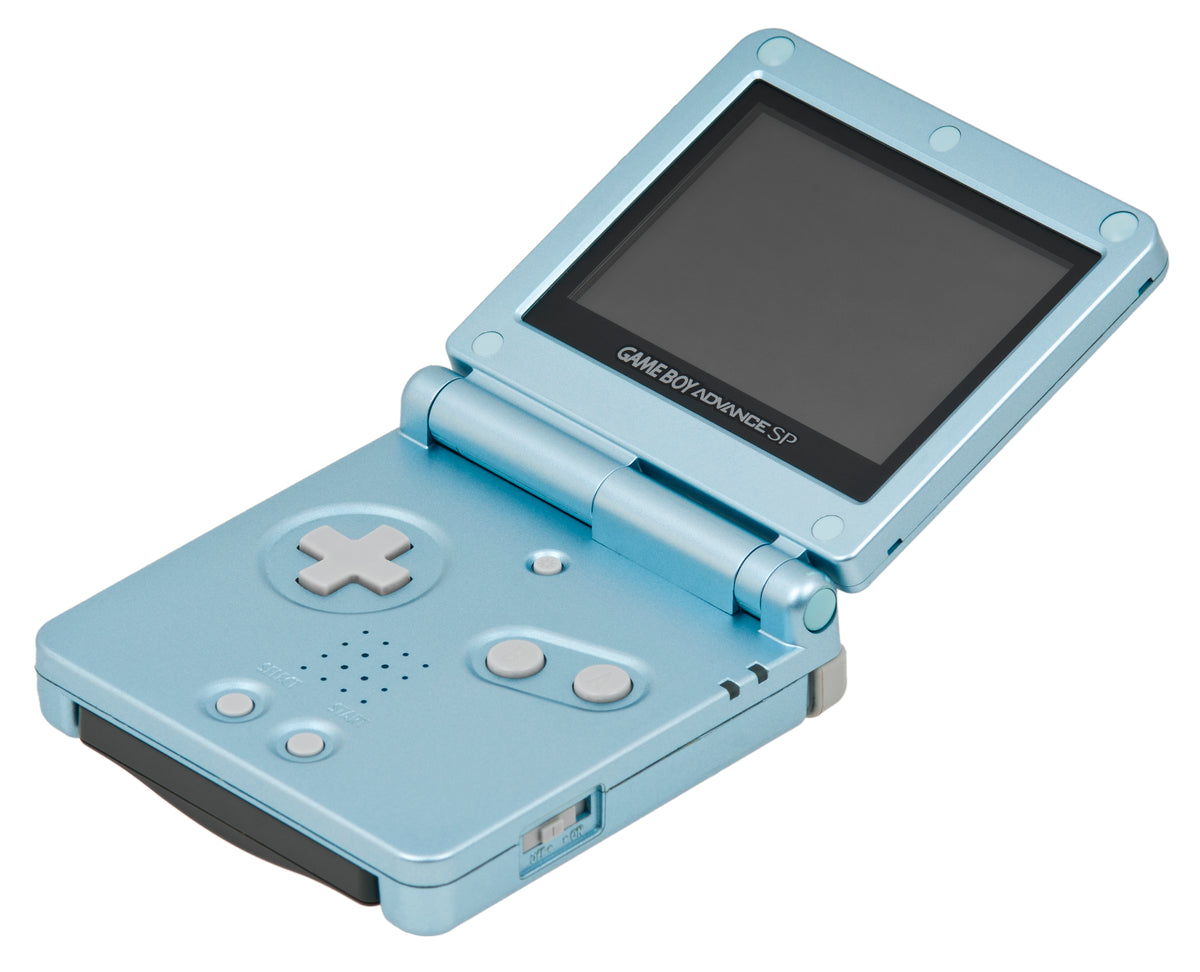
Featured hardware photograph: a light-blue Game Boy Advance SP. Evan-Amos, public domain; existing Commons file used without further changes. Photographs throughout are hardware references, not demonstrations of a cleaning procedure.
Start with a small job and a clear stopping point
Decide what you are trying to remove before touching the cloth. A fingerprint, a patch of surface dirt and a worn patch of finish are three different things. The practical aim here is to remove ordinary dirt while leaving the handheld's existing surfaces alone. A cleaner SP does not have to look newly manufactured.
Take a quick condition photo if you want a useful before-and-after record. Note the mark you are addressing rather than judging the whole handheld against a pristine product shot. That makes it easier to stop when the actual cleaning job is finished. Preservation is allowed to leave evidence that somebody enjoyed the thing.
Power off, unplug, then use the cloth
Nintendo's current handheld care page explicitly includes the Game Boy Advance SP. Before cleaning, switch the system off and disconnect accessories. For smudges, use a soft, clean lens or eyeglass cloth and a gentle wipe. For dirt, lightly dampen one corner with water, wipe, then finish with a dry part of the cloth. Let the system dry completely before using it.
Put water on the cloth, never directly on the handheld. Nintendo's original Game Boy instructions specify water only for this routine cleaning. This guide therefore stays with that simple method. If a mark will not shift with gentle surface cleaning, stop and identify it rather than escalating to a solvent, abrasive or scraping tool.
Keep the job limited to accessible exterior surfaces. A stained label, material trapped inside a seam or dirt beneath a screen lens is not an invitation to pry something loose. Do not turn this wipe-down into label removal or a shell-opening project.

The screen is not a place to experiment
Use the same gentle approach on visible screen smudges. Nintendo warns that sharp objects and pressure can damage the display. If a mark remains after a light wipe, stop before adding pressure. Scrubbing harder cannot tell you whether you are looking at dirt or existing damage.
Be careful when reading a support page that covers several handheld generations. Nintendo's toothbrush advice for debris around an original Nintendo DS touchscreen is specifically scoped to that machine. Its removable-faceplate instructions concern the Game Boy micro. Neither is an SP cleaning instruction. The product name above a method matters as much as the method itself.
Handle plugs and Game Paks without a wrestling match
Nintendo's Game Boy precautions say to power off before inserting or removing a Game Pak, and never force it. Hold accessory plugs straight and pull the plug itself when disconnecting, rather than yanking the cord. For the cartridge connector, Nintendo says to avoid finger contact, moisture and blowing into it.
This is where routine exterior care ends. A game that will not read needs its own diagnosis. Repeatedly forcing the cartridge or treating the socket as another surface to wipe is not part of this guide. Keep your observations specific: which game, which symptom and whether the issue repeats. That is more useful information for a repair assessment than “it needs a clean.”
Close it before putting it away
Nintendo's original precautions specifically tell SP owners to fold the handheld closed when it is not being used, protect the display from pressure and keep it out of a back pocket. The general care page also recommends avoiding loose, impact-prone carrying situations; an additional protective case can help.
Choose storage away from humidity, accumulated dust, extreme temperatures and prolonged direct sunlight. In practical terms, give the SP a deliberate home instead of whatever gap remains beneath the other things in your bag. Check the space before putting it down. The folding design is useful protection, not permission to sit on it.

Leave routine battery removal off the checklist
The SP uses a rechargeable lithium-ion pack. Do not copy the loose-battery storage instructions for older Game Boy models without checking the SP section. Nintendo's original booklet says not to remove the SP's rechargeable pack unless it needs replacing, and warns against deforming, repairing or shorting the battery. Exterior cleaning does not require removing it.
Battery replacement is a separate maintenance task, not a bonus step to squeeze into a wipe-down. If the handheld's condition raises a battery concern, stop the routine job and get a qualified repair assessment. This article is not a battery-opening or damage-treatment procedure.

Buy the next game from Zypher
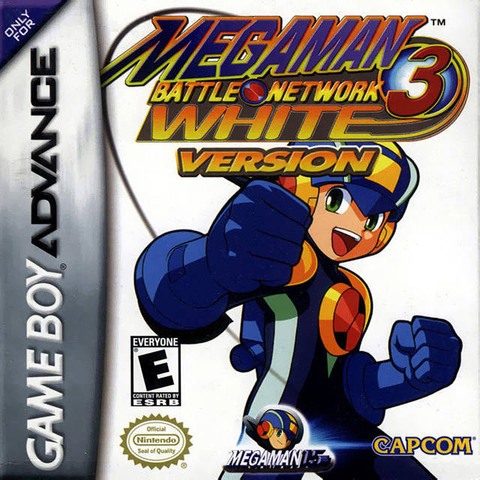
Ready to put the SP back to work? Shop Zypher's listings for Castlevania: Circle of the Moon and Mega Man Battle Network 3: White Version on Game Boy Advance. Check each listing for its specific condition and contents. These game links do not imply a handheld or charger is included.
Buying the hardware as well? Use our used Game Boy Advance SP inspection checklist for the checks that come before purchase. If you are making room on the shelf, sell your old games to Zypher.
Care sources
Checked November 7, 2026: Nintendo's General Care and Maintenance of Handheld Systems, Game Boy Family precautions and original precautions booklet with a separate SP battery section. The original booklet is used for care instructions, not as a promise that its historical repair or replacement ordering services remain available.