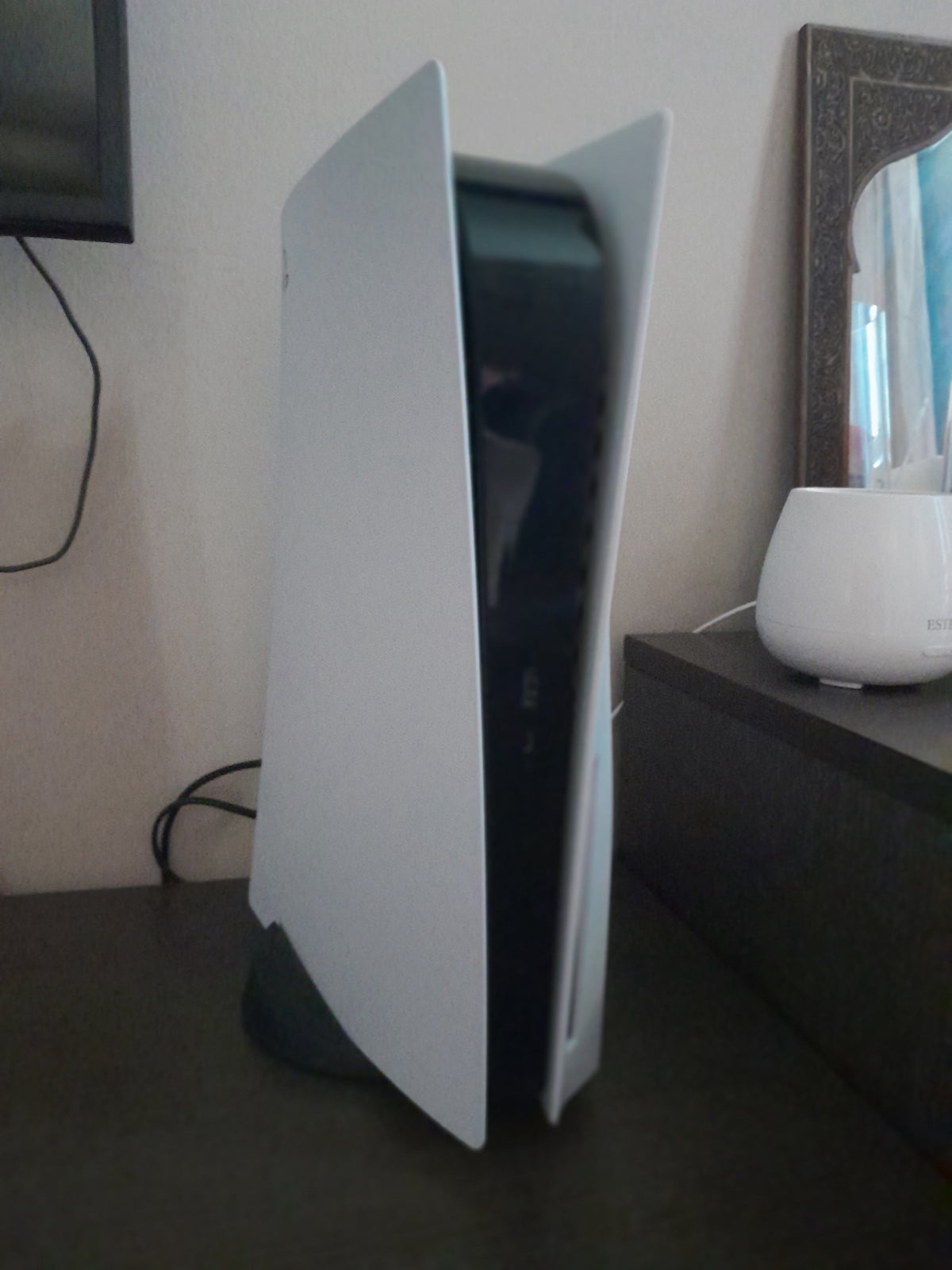
A PS5 download can make an old PS4 disc look redundant. For an eligible disc-based upgrade, it is not. PlayStation's upgrade instructions require that PS4 disc every time you play the upgraded PS5 version. Keep it with the game, not in the pile you have finished sorting.
Featured photograph: an original-design PS5 with a disc drive, by Rube451, CC BY-SA 4.0. No content edits; hosting compression and responsive display. It is not the removable-drive model illustrated below.
Check the offer before treating it as an entitlement
For eligible games, Sony says upgrades can be free, paid or time-limited. Internet is required. A PS4 case alone does not establish the terms.
- Sign in on a drive-equipped PS5 and insert the eligible disc.
- Open its game hub and review the upgrade offer before downloading or purchasing.
- Retain the disc for playing the upgrade.
Sony also requires the disc's country or region to match the PlayStation account. Check that pairing if the offer is missing.
A real example, not a rule for every PS4 game
Horizon Forbidden West's official support page explicitly allows its PS4 version to upgrade to the digital PS5 version at no additional cost. For a PS4 disc copy, it still specifies a PS5 with a drive and the original disc inserted to play.
That example is useful because it separates the price of an upgrade from the proof needed to use it. Free does not mean disc-free. Equally, one game's offer is not evidence that the next game on your shelf receives the same deal. Check the exact title rather than shopping by a general promise of “PS5 compatibility.”
Identify the console before buying a drive
A PS5 without a drive cannot read your PS4 disc. Nor is an attachable drive an option for every PS5 shell. Sony's current disc-drive setup guide limits compatibility to the CFI-2000 and CFI-7000 model groups. Check the console's model number, not just whether a listing calls it a Digital Edition.

Sony also requires an internet connection when pairing the compatible drive with the console during setup. The physical attachment and the setup requirement are separate parts of getting ready. Follow the official instructions for your model rather than improvising from photographs of a different revision.
Keep the evidence with the game
Before passing a PS4 disc along, decide whether you still intend to use the upgrade tied to it. Put a note in the case if that helps you remember why a game that launches from a PS5 tile still needs an older disc. A tidy shelf should not accidentally separate a game from the thing you need to start it.
This guide concerns the upgrade offer and disc requirement, not save conversion. Our PS4-to-PS5 save-transfer guide covers that separate job. For the broader distinction between a physical copy and downloaded access, see physical versus digital ownership.
Official US support pages and photograph permissions checked October 18, 2026. Offers and hardware requirements are title- and model-specific. No firsthand hardware testing is claimed.


